API
Build automated visual workflows with Recraft API
Integrations
Access Recraft across different platforms
Download app
Download app

Free AI Headshot Generator

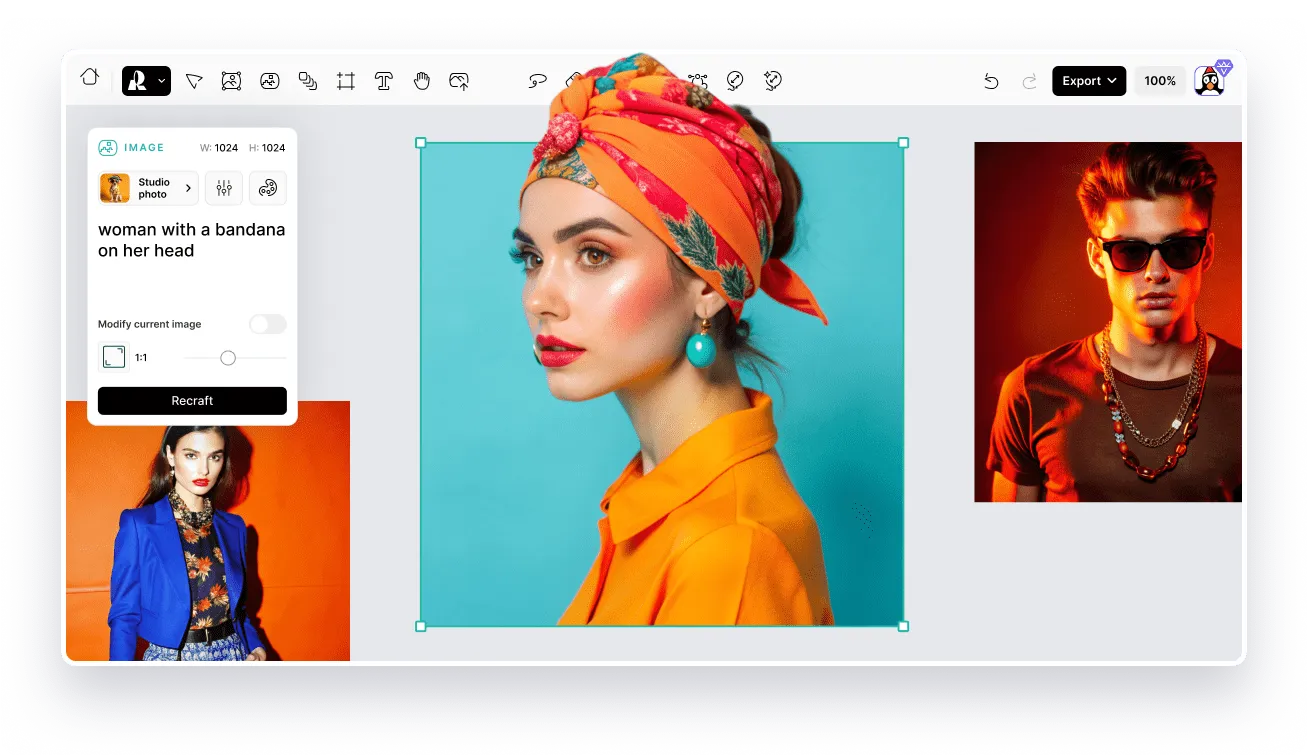
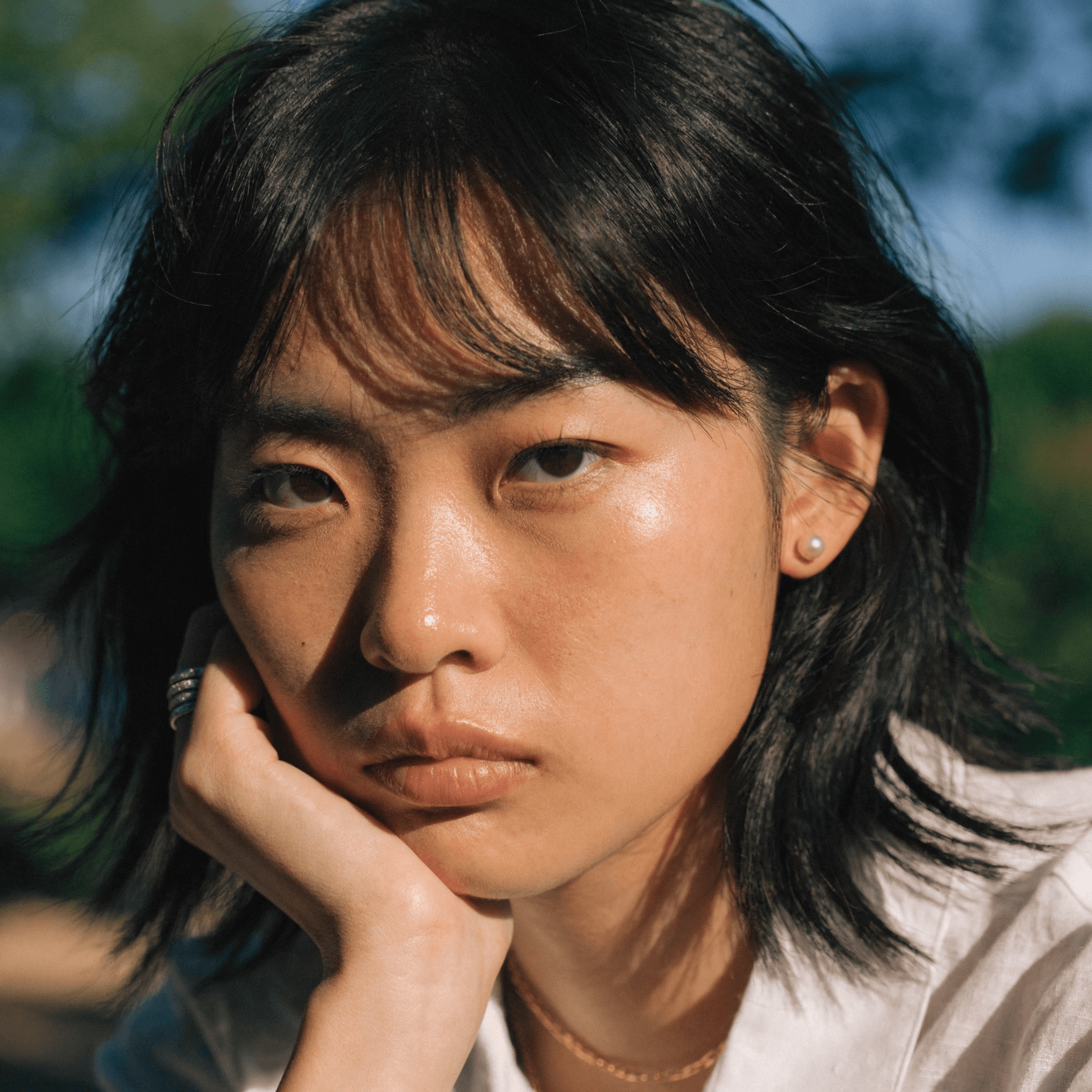
Recraft's AI headshot generator creates professional-quality portraits from a text prompt or photo — ready for LinkedIn, resumes, and team pages in seconds.

Up to 30 free image generations per day

Trusted by designers at

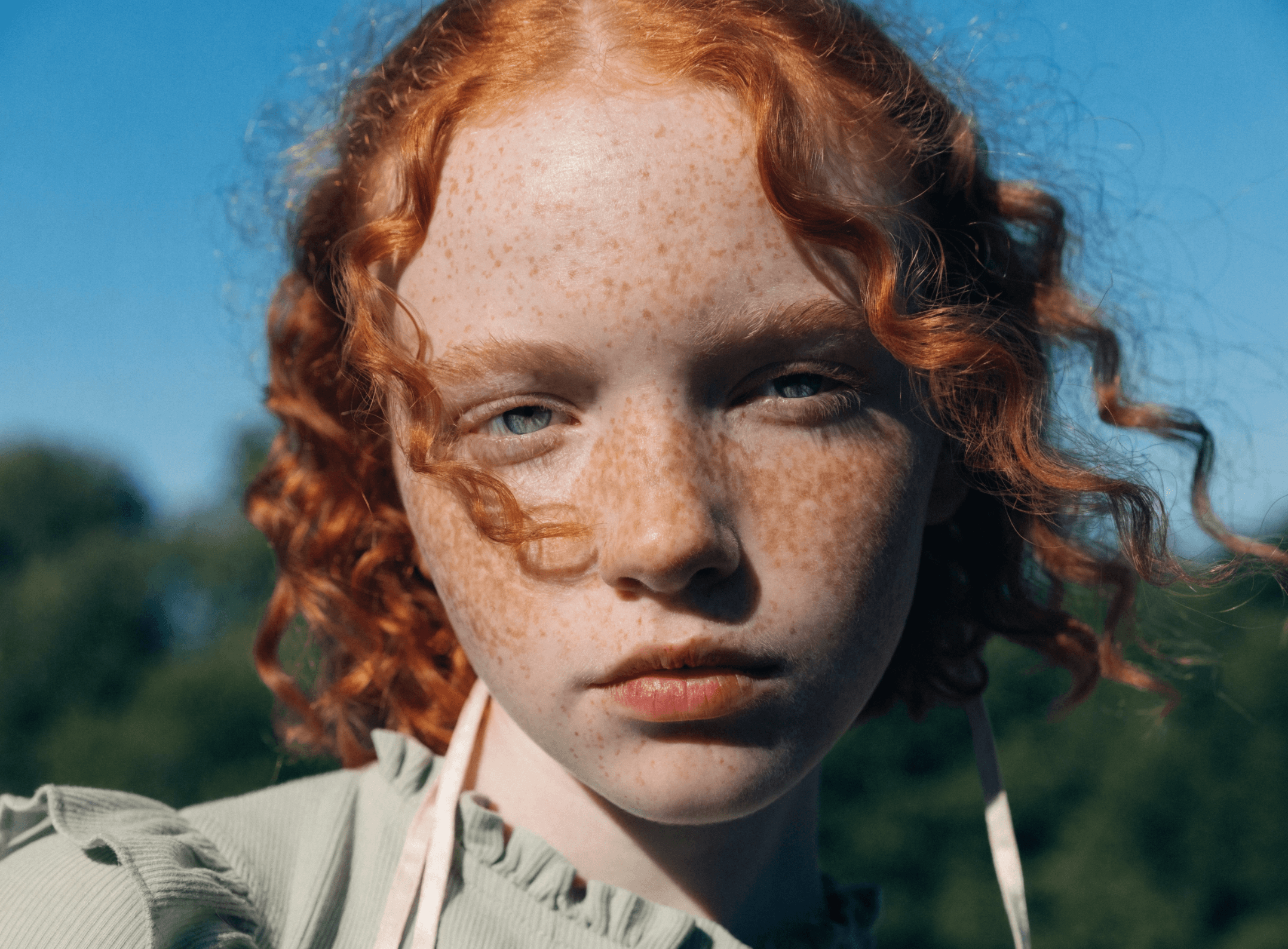
AI headshot inspiration

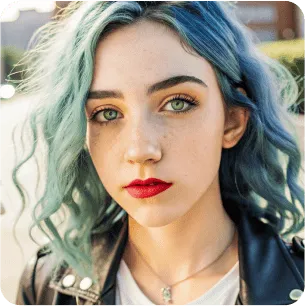
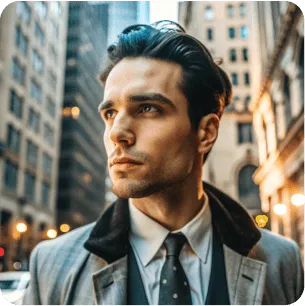
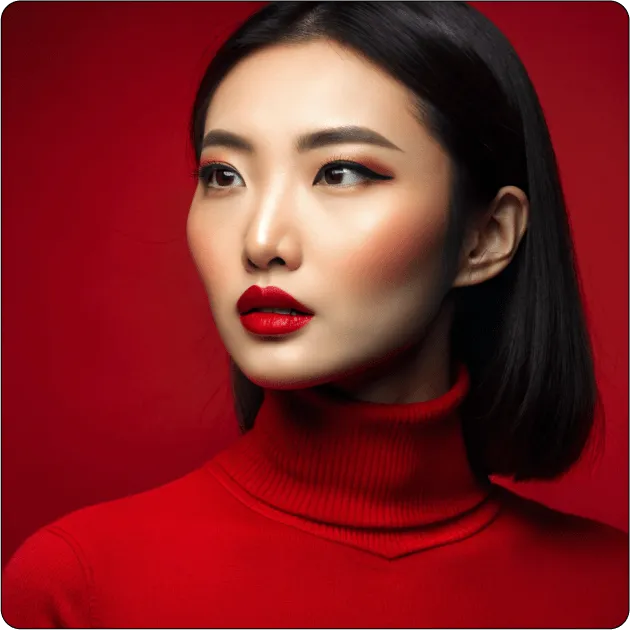
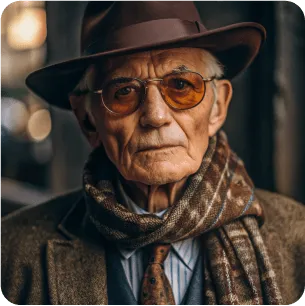
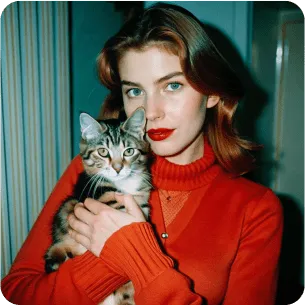
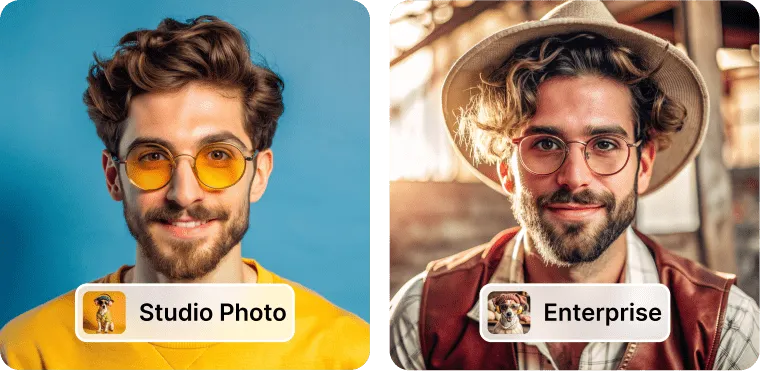
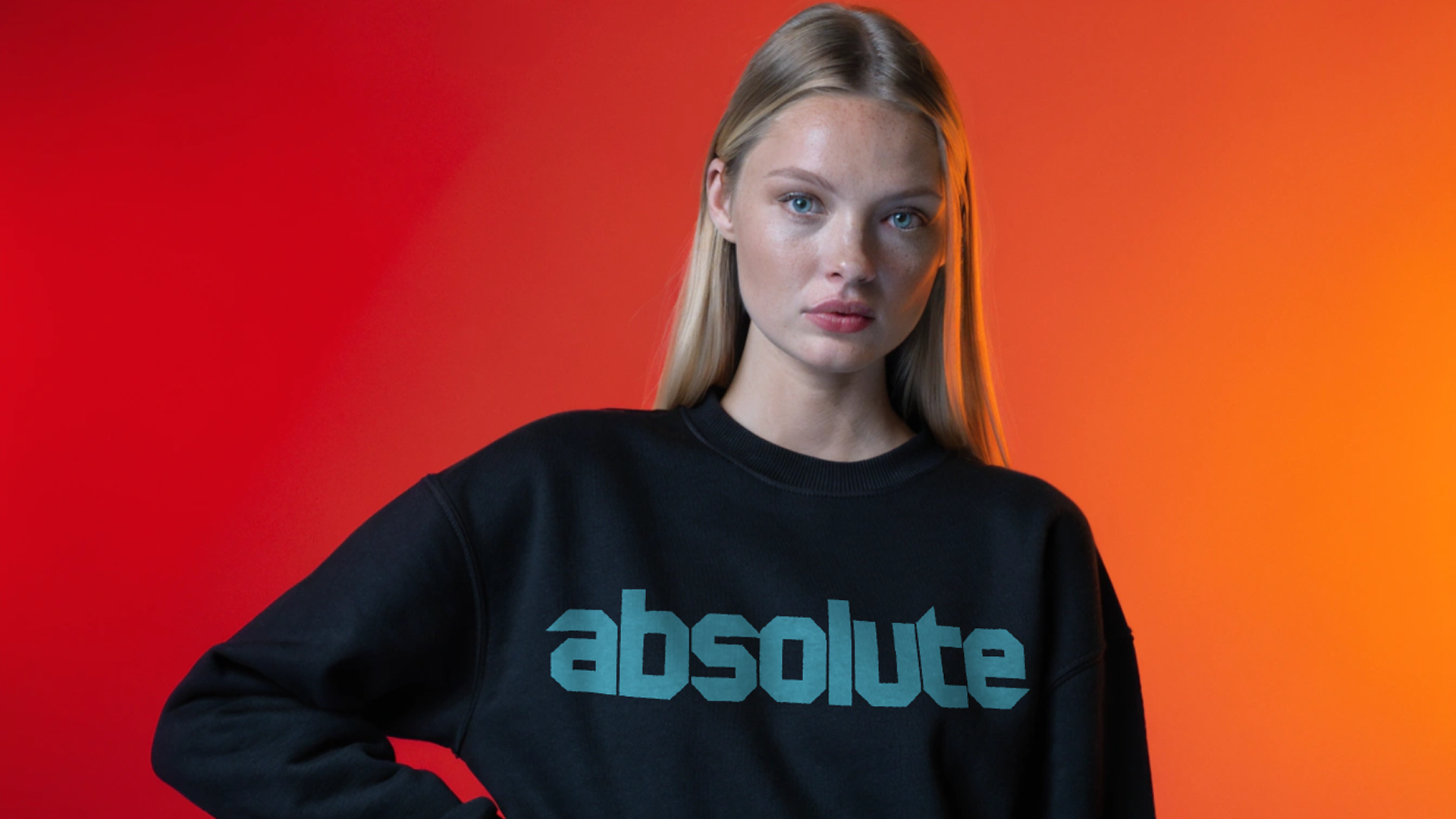
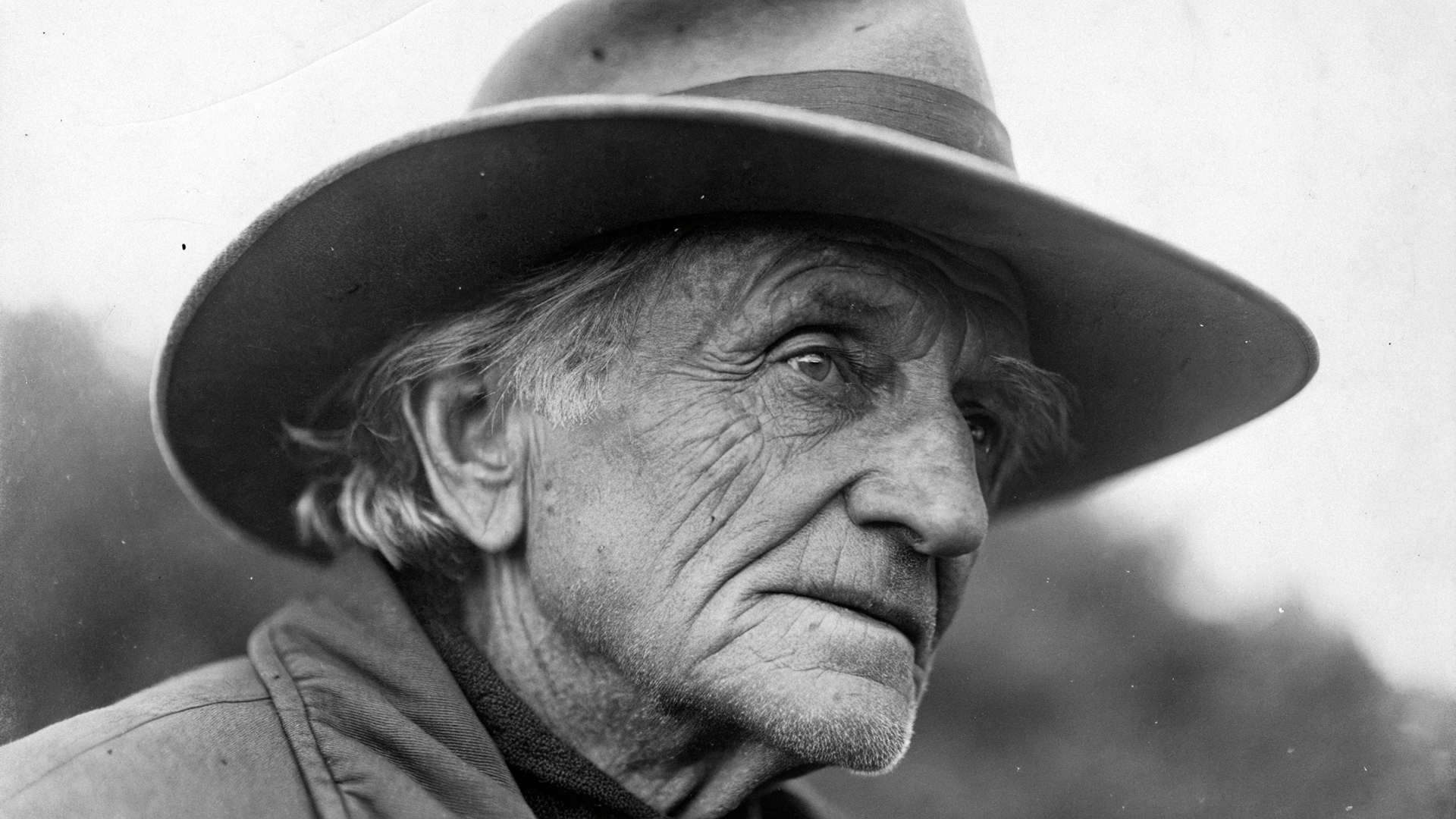
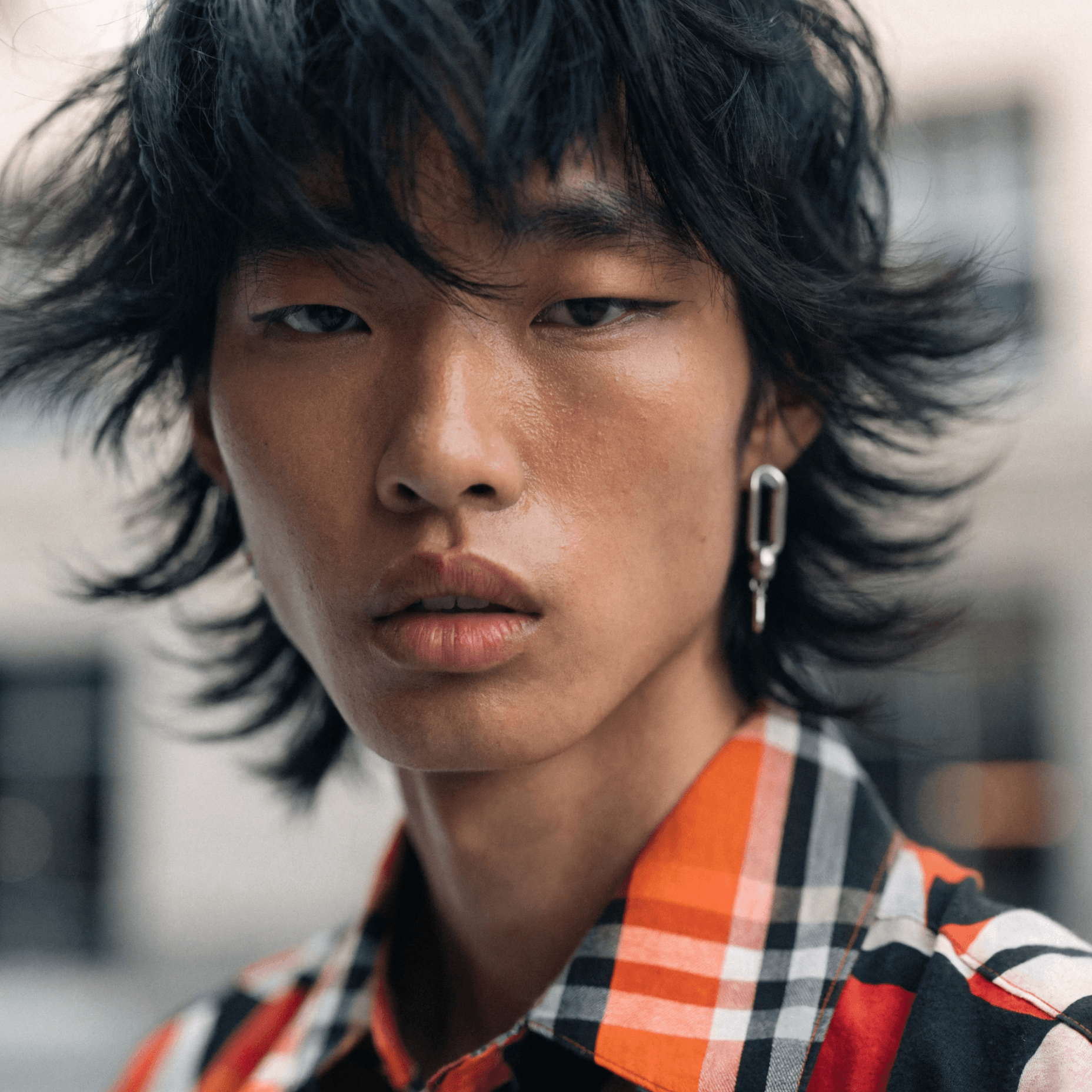
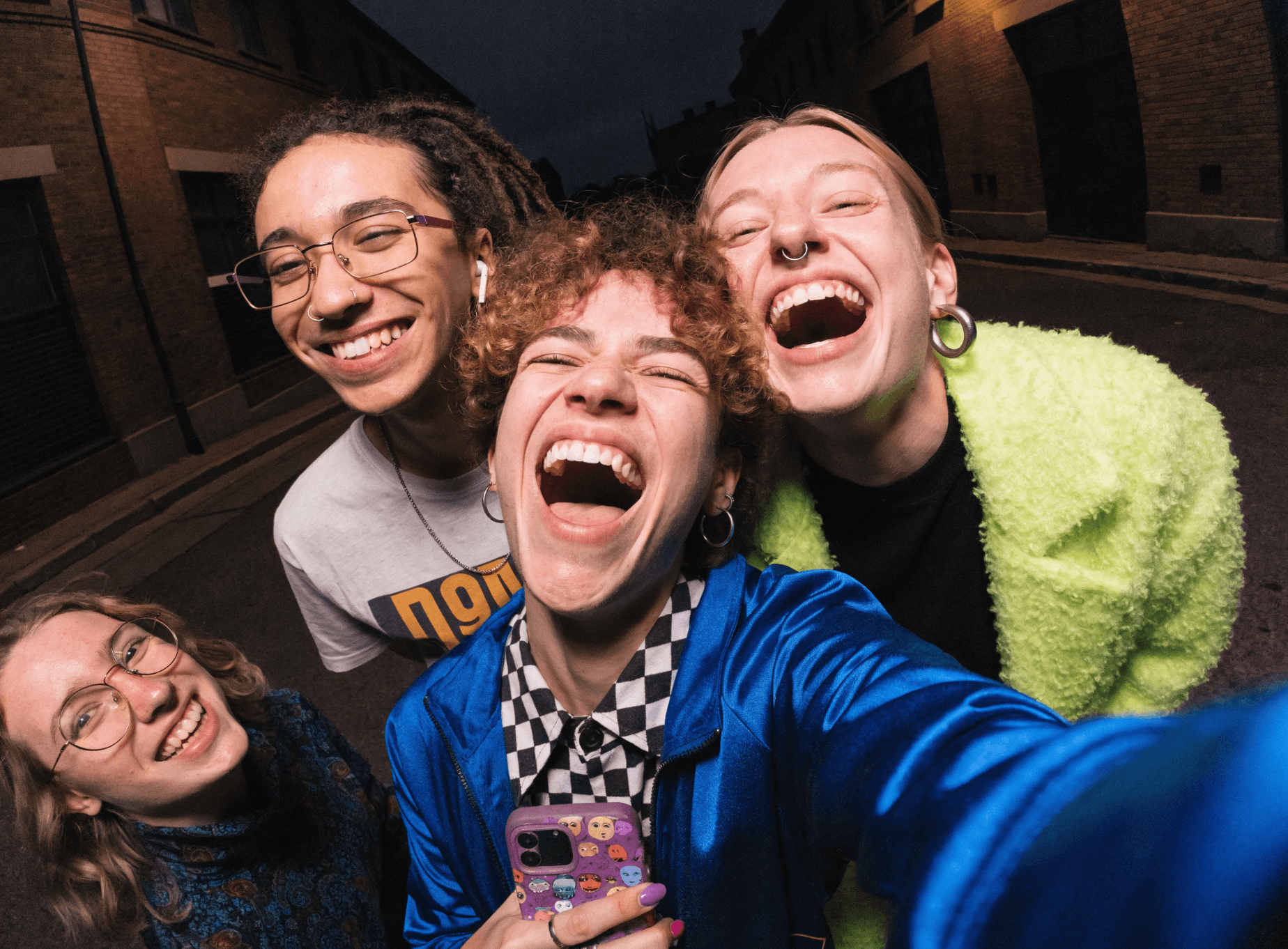
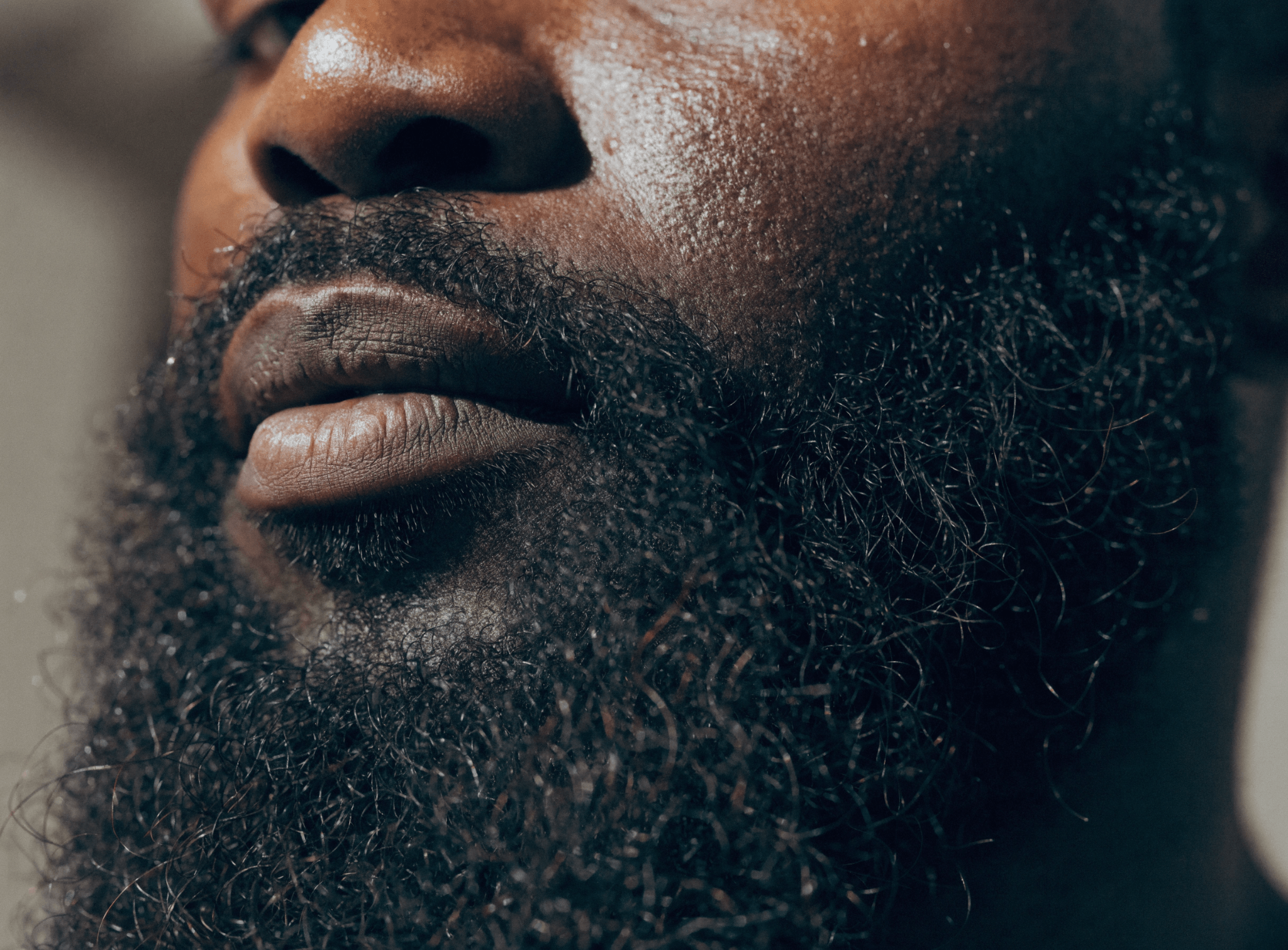
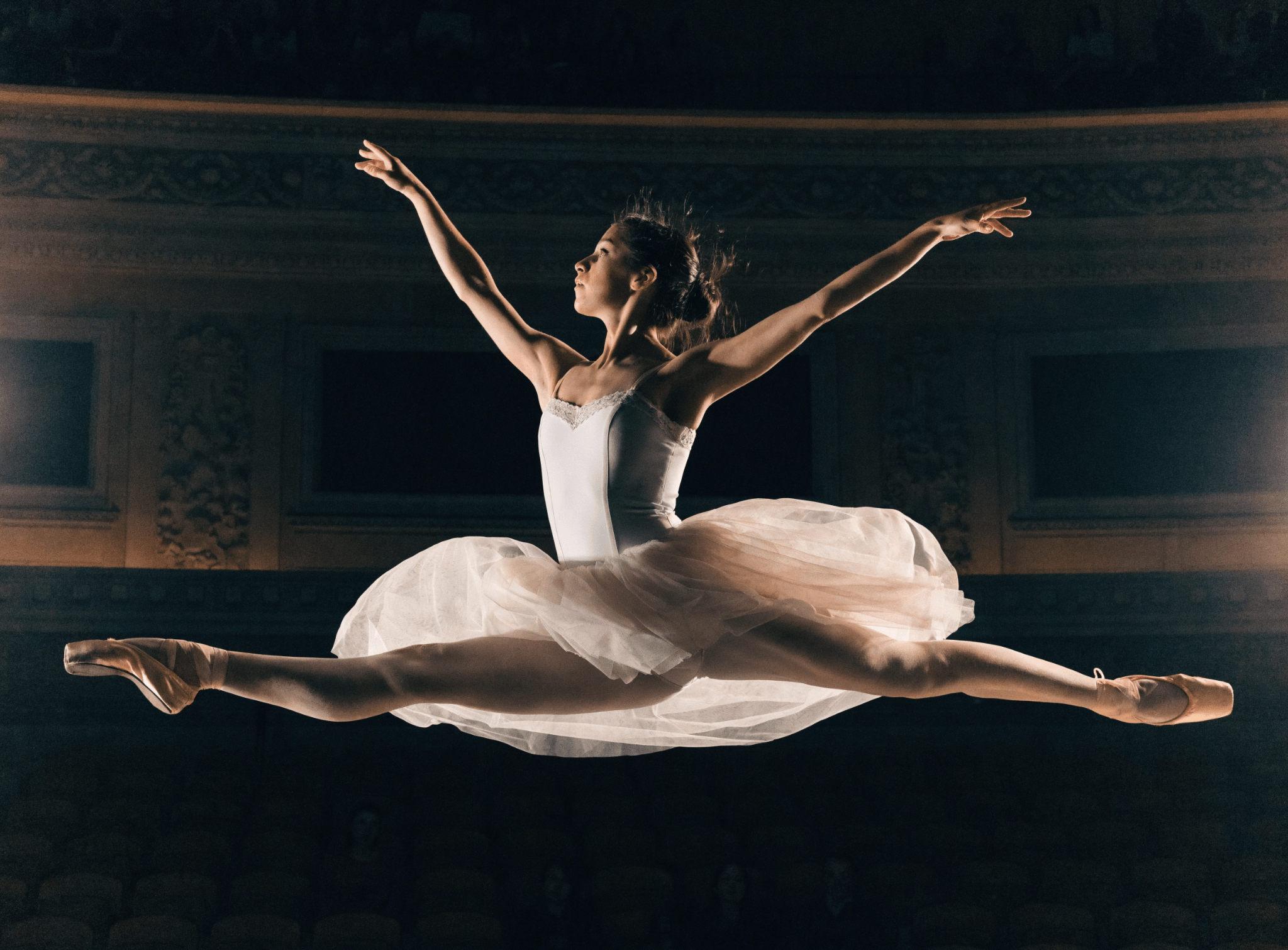
Looking for AI headshot ideas? Get inspired by professional headshots generated by Recrafters—ideal for a LinkedIn profile, resume and social media accounts. Personalize your profiles with one-of-a-kind AI headshots. See Recraft's headshot generator in action.

How our AI headshot generator works

A headshot photo can leave a lasting impression, so it's important to get it right! A high-quality, professional headshot can be the difference between standing out and blending in. Effortlessly create AI headshots that set you apart with Recraft's advanced AI technology. Ready to generate your own AI headshots? Here's how to transform regular portraits into professional business headshots in just four steps:

1

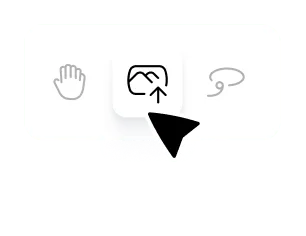
Upload a PNG or JPG file.

Click import in the toolbar and select one or more images to upload.

2

Generate and edit.

Hit Recraft to generate your AI headshot. Fine-tune the details, edit the colors, change the background and more.

3

Select the Upscale tool.

Using the Upscale tool, enhance your image for the perfect AI headshot.

4

Export your headshot.

Export your AI-generated headshot as a JPG or PNG in a single click. Upload it anywhere!

Professional AI headshots without the hassle

Gone are the days of hiring a photographer and having a photo shoot for a headshot. You can get the perfect, business-worthy headshot photo with Recraft's AI headshot generator. Upload selfies or any existing images, and Recraft will generate professional AI headshots in seconds. Or type a detailed description of the headshot you want to generate, and watch the AI magic happen. Explore more portrait styles in Recraft Studio's AI image generator.

Amplify your online presence with high-quality headshots

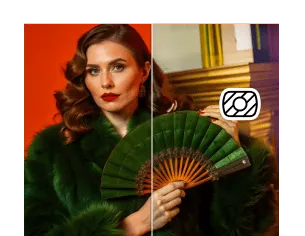
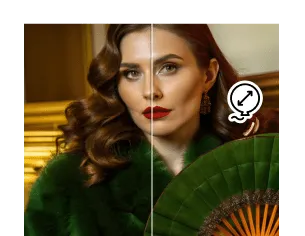
Make your LinkedIn profile stand out with AI-generated headshots that capture your brand and style. Generate the best quality AI headshots using Recraft and fine-tune them until they're just right. Edit the color palette, get a clean cutout with the AI background remover, change the clothing, enhance image details and much more!

AI headshot generator FAQ

What is an AI headshot generator?

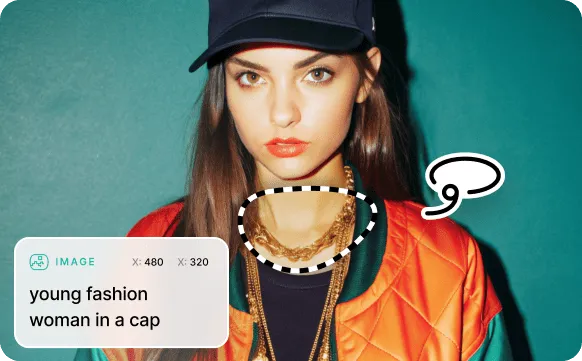
AI headshot generators can create AI headshots from scratch or convert real images to AI ones. Recraft's headshot generator can do both! If you have a few photos you'd like to upload for reference, Recraft can generate AI headshots based on those photos. Alternatively, you can use Recraft's text-to-image prompt to create AI-generated headshots from scratch. If you're doing the latter, just be sure to provide a detailed description of what you want the headshot photo to look like.

Is this AI headshot generator free?

Yes. Recraft offers free AI headshots with no account required to get started. Paid plans include higher resolution exports and more generation credits.

How long does it take to generate a headshot?

Most headshots generate in under 10 seconds. You can adjust style, background, and framing before downloading.

Can I use Recraft headshots for LinkedIn or my company website?

Yes. Images generated on Recraft are yours to use for personal and commercial purposes, including professional profiles, team pages, and marketing materials.

What makes a good AI headshot prompt?

Describe the setting, lighting, and style you want — for example, "professional headshot, soft studio lighting, neutral background, business casual." The more specific, the better the result.

Does Recraft generate headshots from existing photos?

Yes. You can upload a reference photo and use it as a style or likeness guide, or generate from a prompt alone if you prefer a fully AI-created look.