Download app
Download app

Free AI LinkedIn Photo Generator

Need to refresh your LinkedIn profile? Generate realistic AI LinkedIn photos for enhanced visibility in seconds. Fine-tune precisely with Recraft's LinkedIn profile picture maker.
Up to 30 free image generations per day
Trusted by designers at

AI LinkedIn photo inspiration

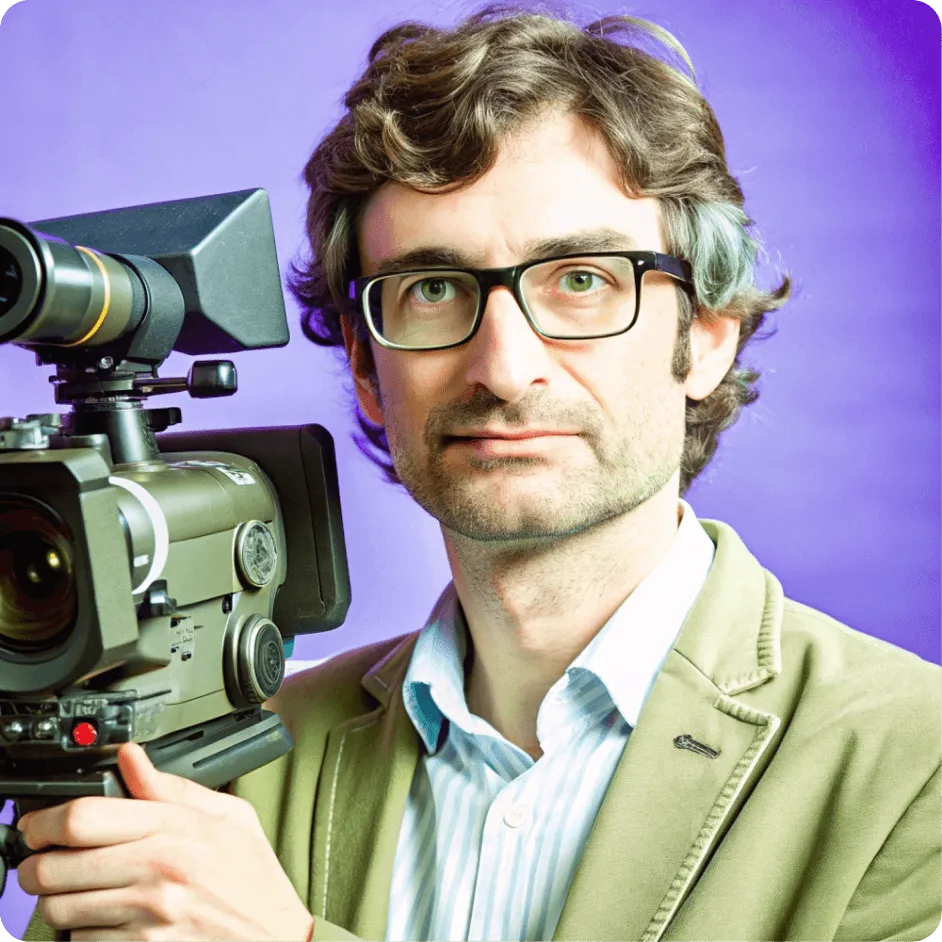
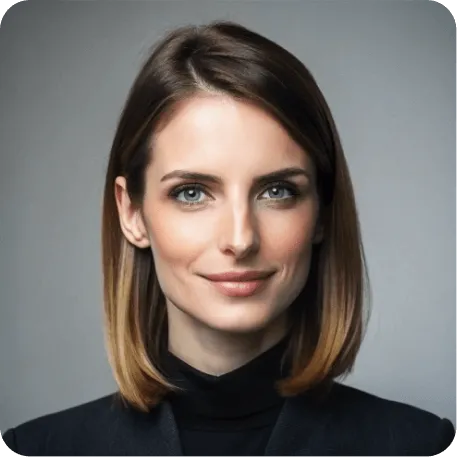
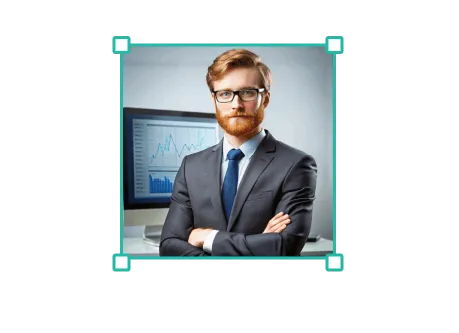
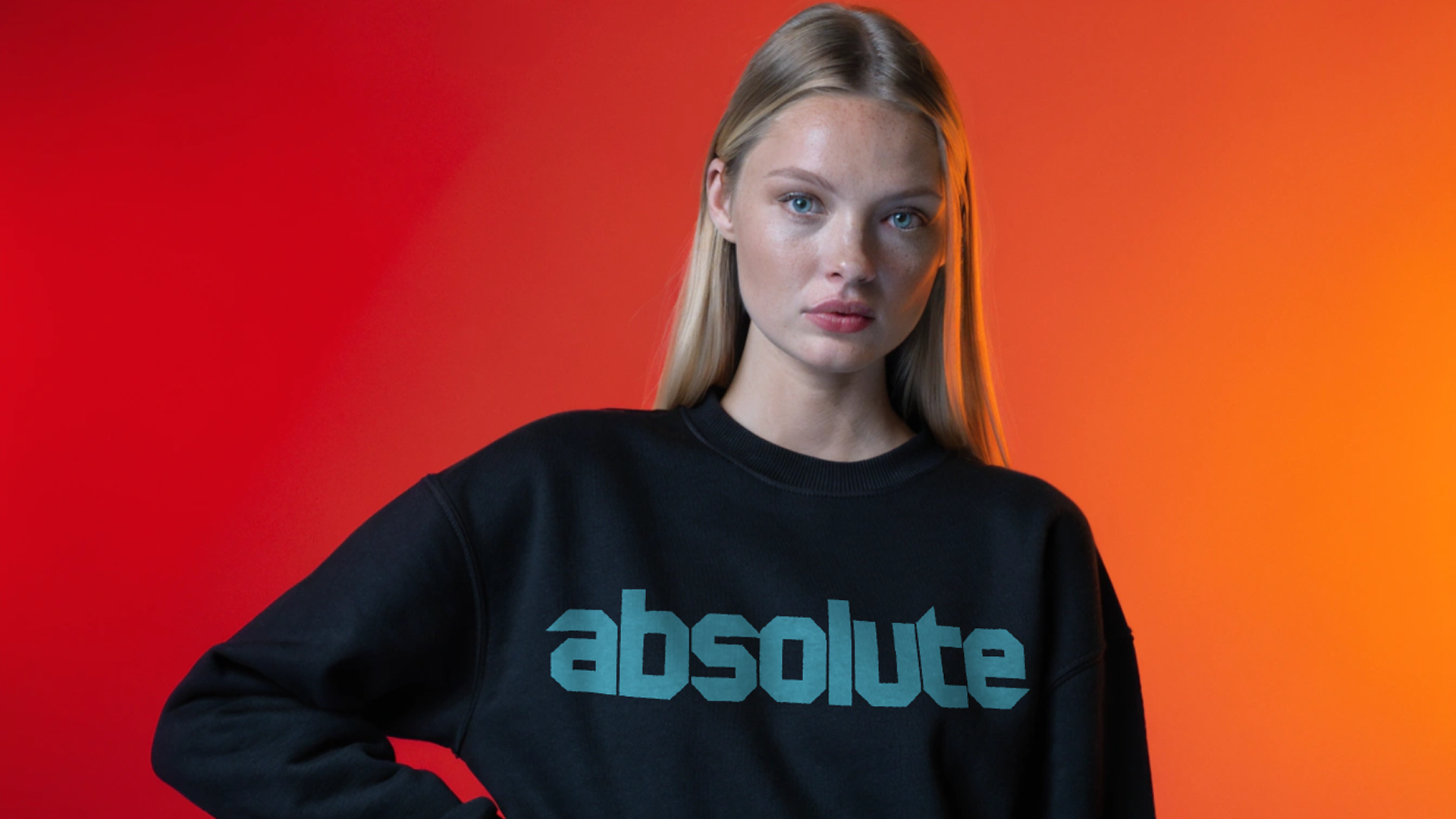
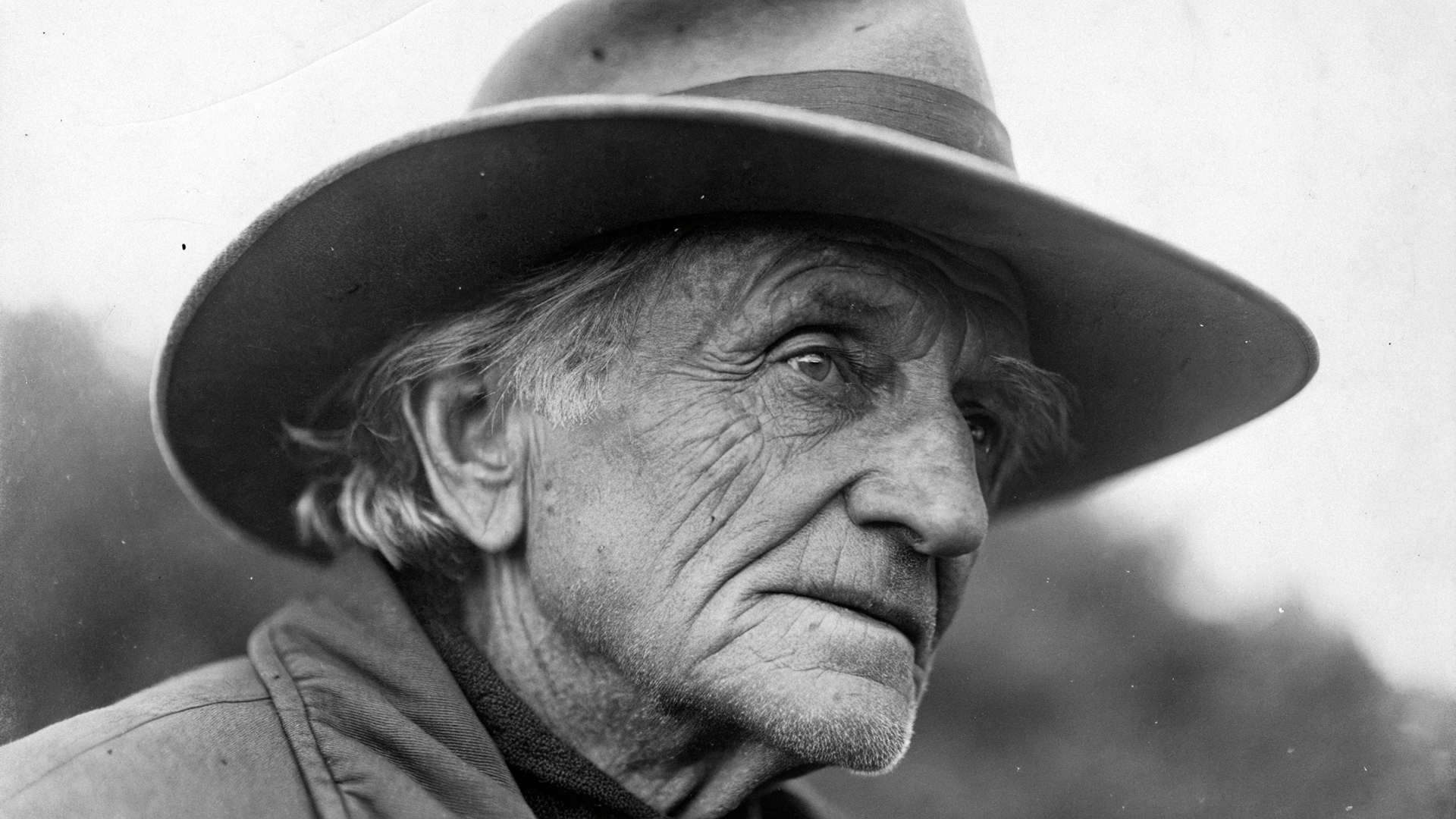
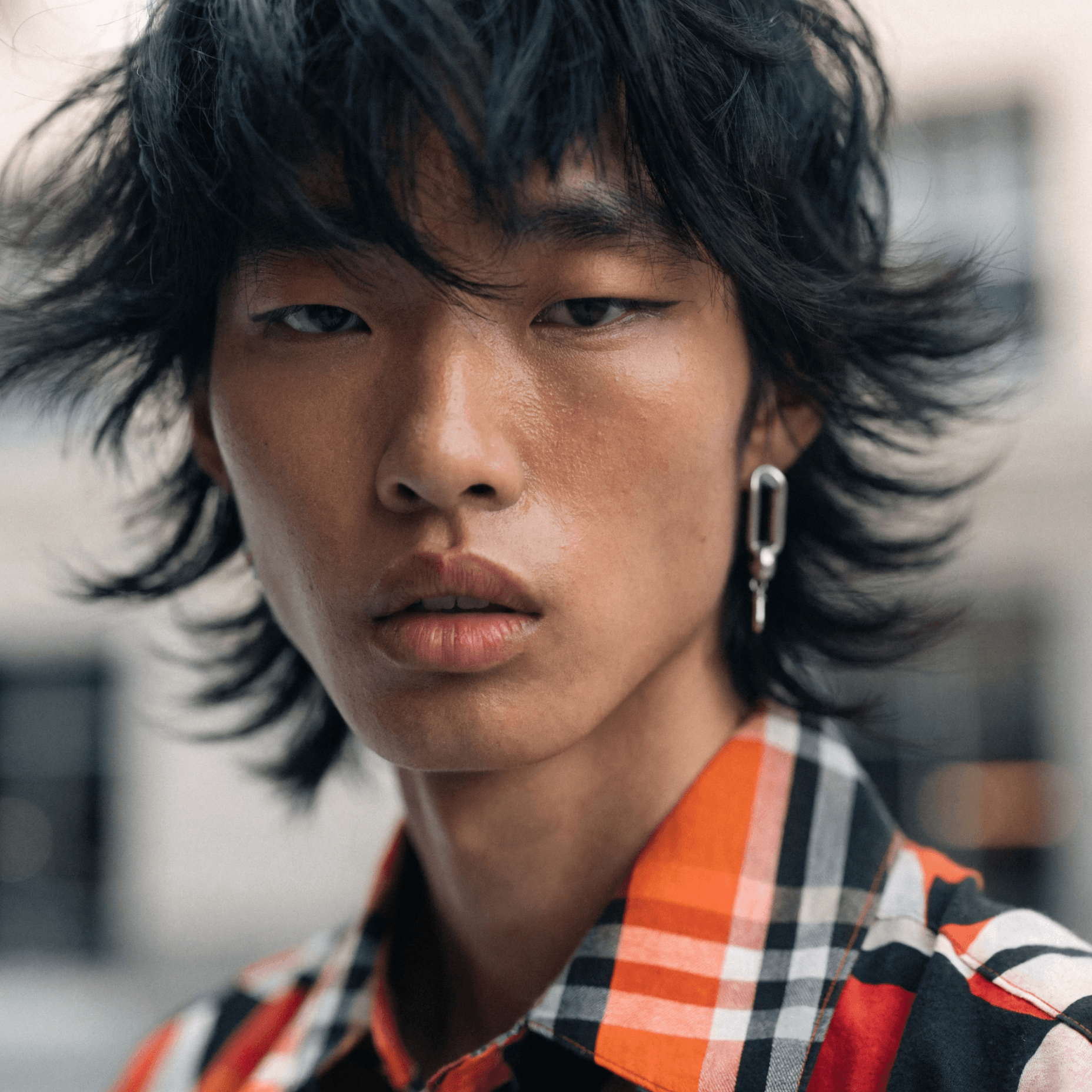
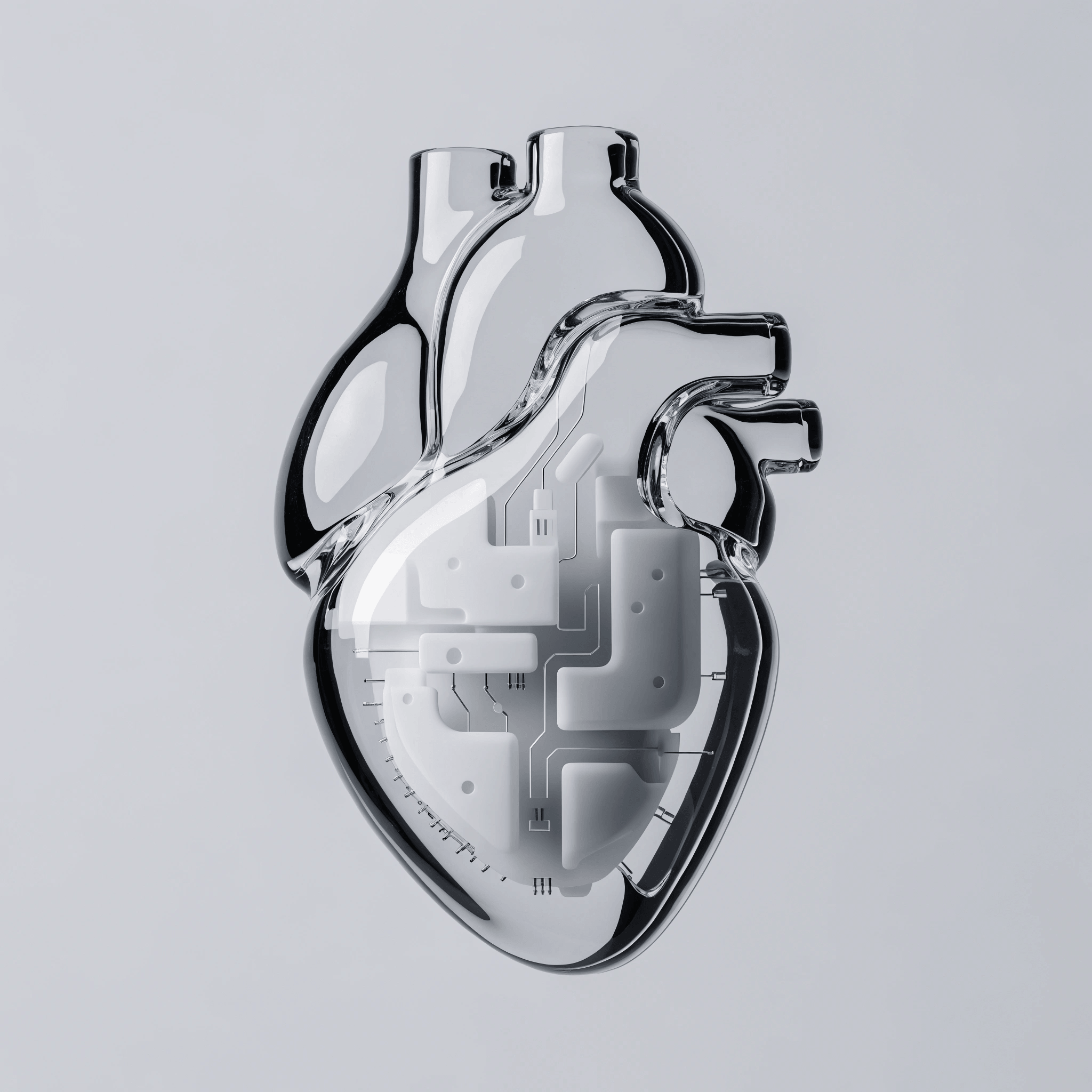
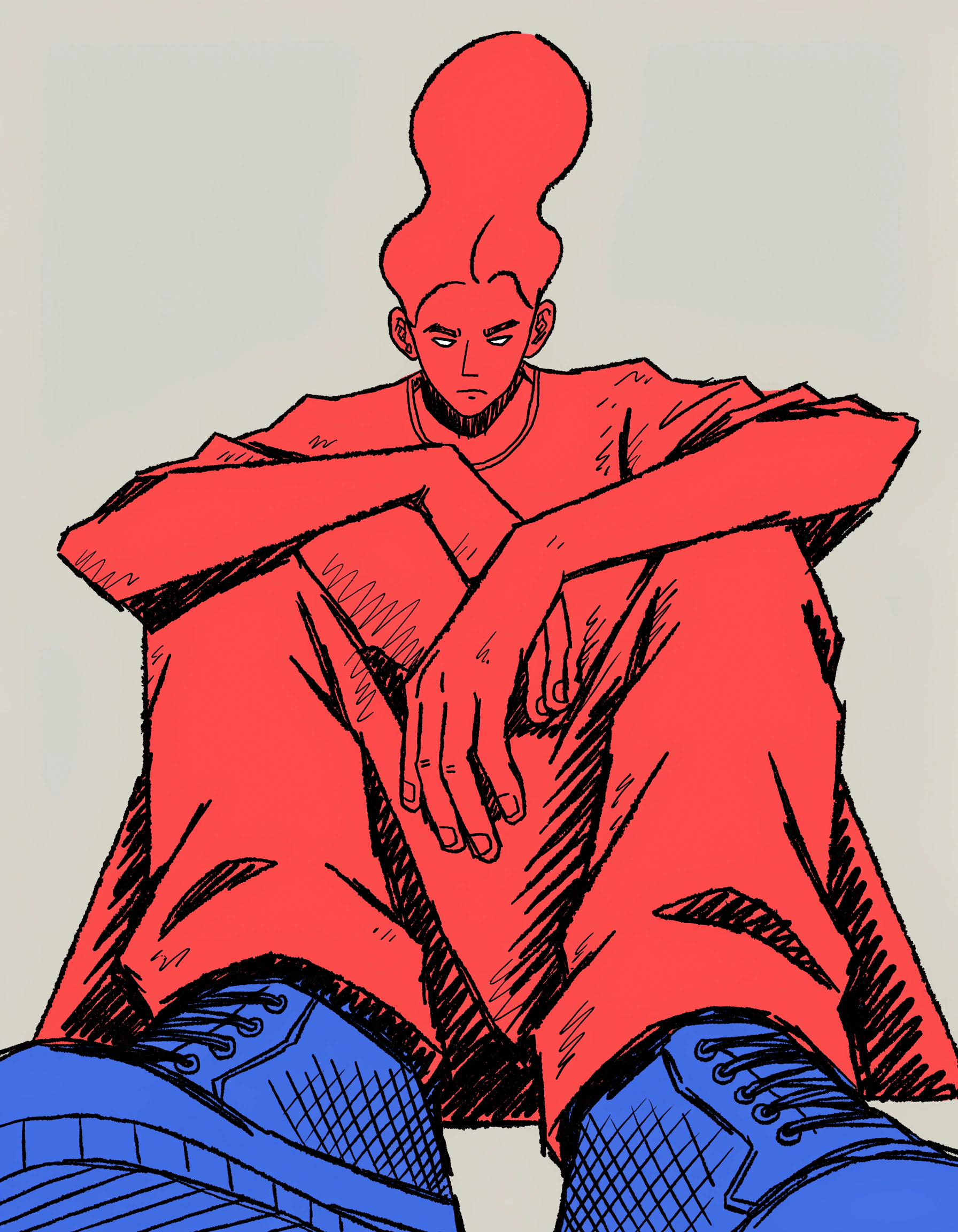
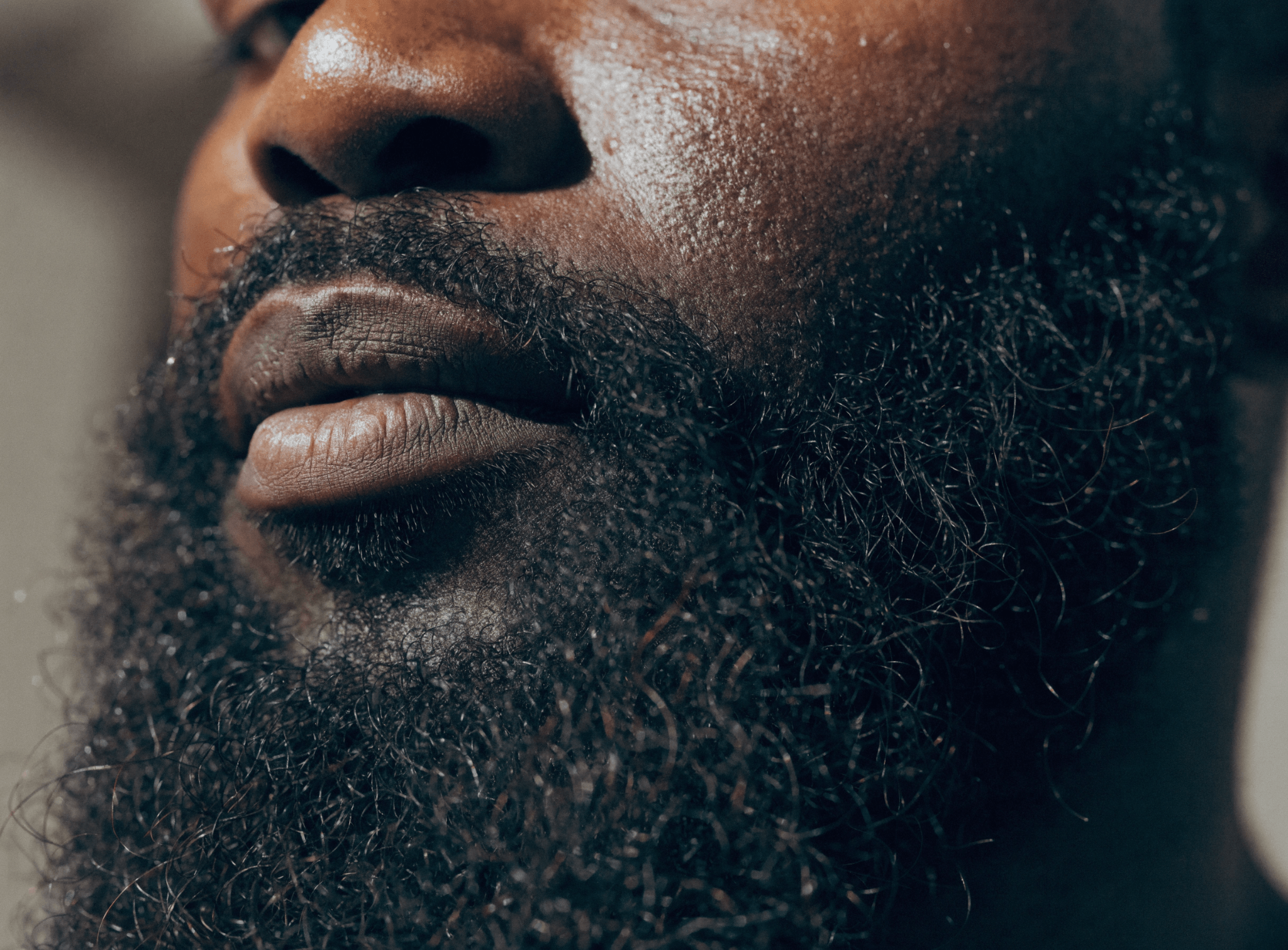
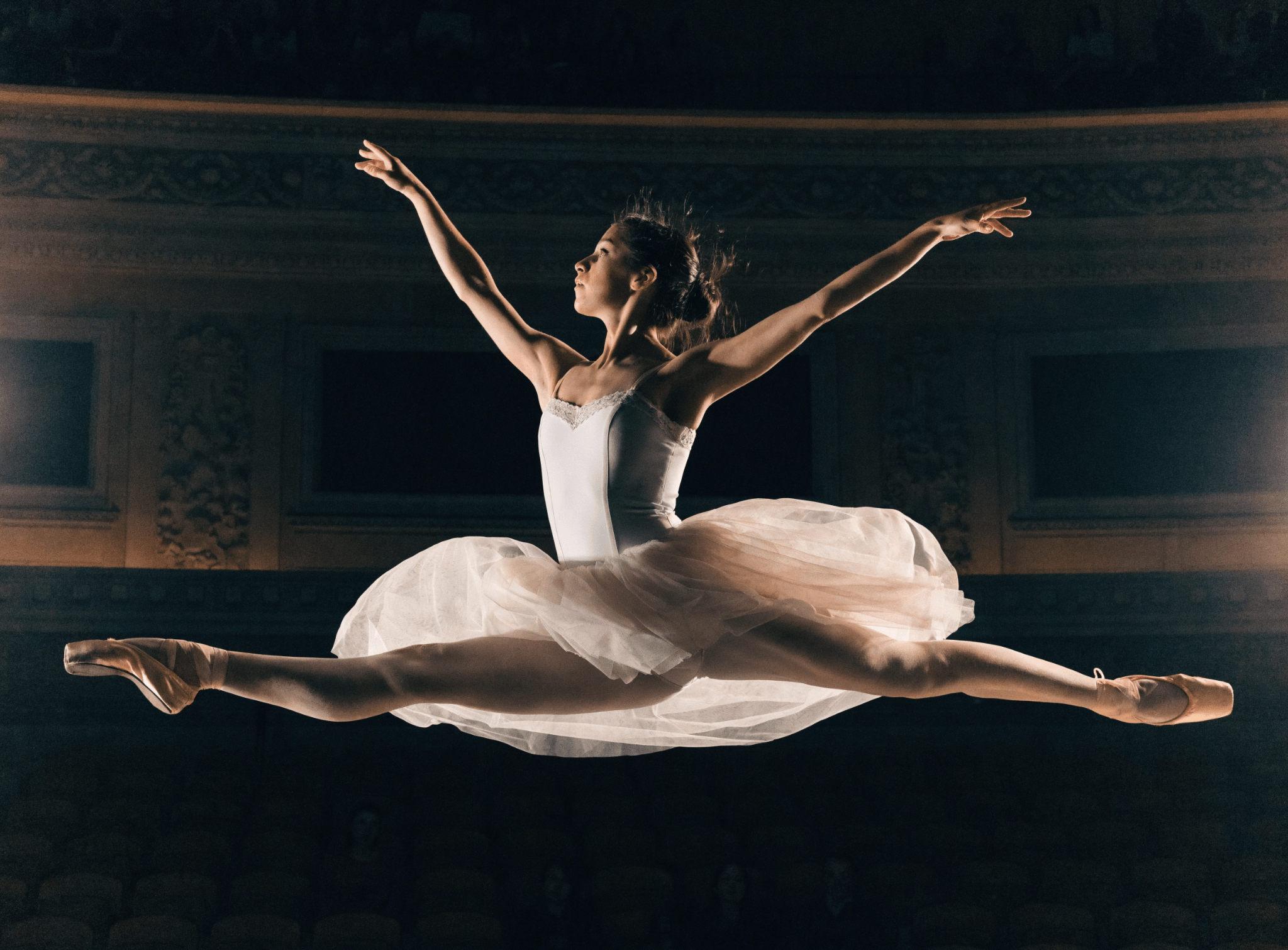
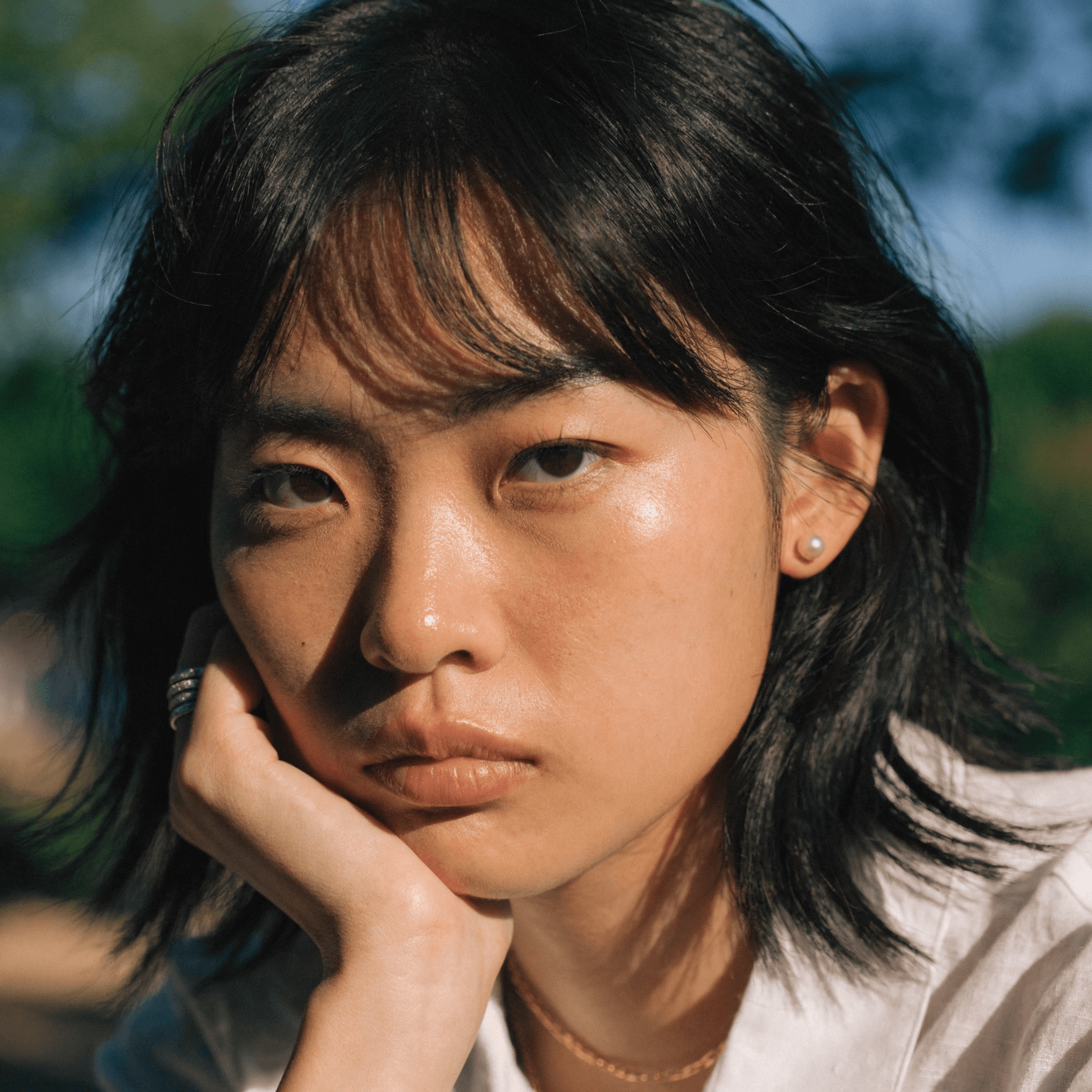
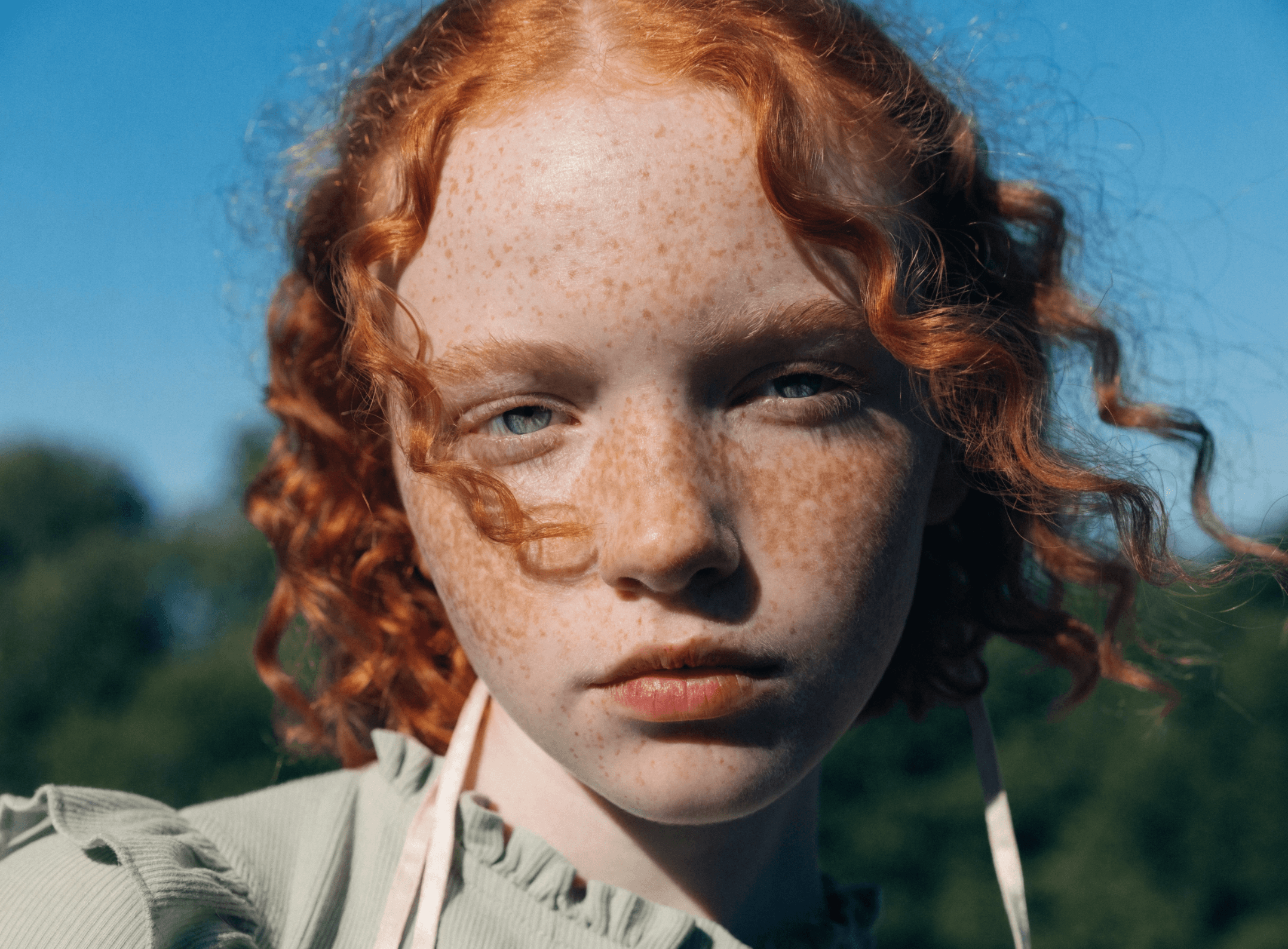
See how other professionals are using Recraft to generate studio-quality LinkedIn profile pictures. Get inspired by their pixel-perfect AI headshots and create your very own in no time.

How AI LinkedIn photo generator works

First impressions are key. Make yours count with a professional LinkedIn photo that sets you apart. With Recraft's AI LinkedIn photo generator, you can create a polished LinkedIn profile picture in just a few clicks. Here's how:

1
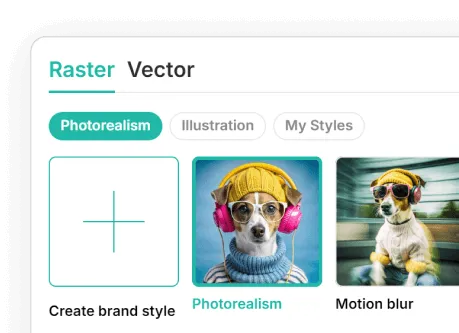
Select or create a branded style.
Choose from Recraft's popular styles or create your own for total control.
2
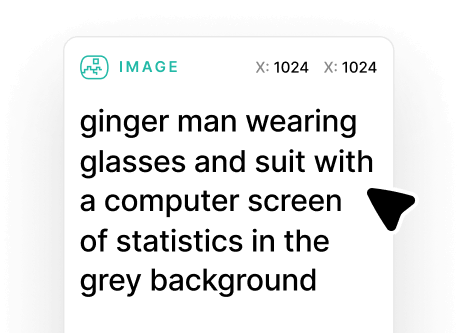
Enter your prompt.
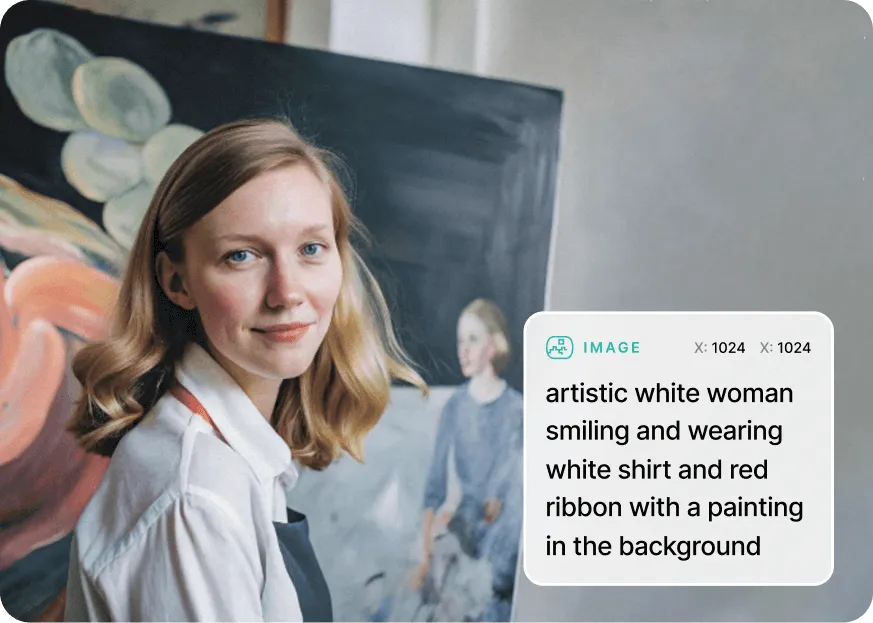
Describe your ideal LinkedIn profile picture in the text prompt. The more detail the better!
3
Generate and iterate.
Hit Recraft to generate your AI LinkedIn photo. Edit until it's just right.
4
Export to LinkedIn.
Export your LinkedIn profile picture as a JPG or PNG file. Then, upload it to LinkedIn.

The easiest way to create AI LinkedIn photos

Recraft's LinkedIn profile picture maker offers a quick, convenient tool for creating professional headshots. With user-friendly AI design tools, you won't need to hire a photographer again. Generate and upload your AI LinkedIn photo in minutes, and increase your LinkedIn presence.

Photorealistic AI headshots every time

Advanced AI technology allows you to create and edit high-quality, realistic LinkedIn headshots. Modify the color scheme, enhance image details, change the clothing and more. Making professional profile pictures is seamless with Recraft's AI LinkedIn photo generator.

AI LinkedIn photo generator FAQ

How do I create professional headshots for LinkedIn?

It's simple. Recraft's AI headshot generator works through a text-to-image prompt. Just enter a description of the LinkedIn headshot you want to create and watch the AI magic happen. Alternatively, you can upload an existing photo and convert it to an AI headshot—Recraft does both!

Can AI create a LinkedIn profile picture?

Yes! You can create a professional profile picture for LinkedIn using Recraft. All it takes is four steps—choose a style, enter a prompt, generate, and download your LinkedIn profile picture.

How long does it take to generate AI LinkedIn headshots?

It takes just a few seconds to generate photorealistic headshots for LinkedIn. Recraft's AI technology makes it quick and easy to get the photos you need with less effort than ever before.

Do I need experience to generate a professional LinkedIn photo?

No. Anyone can generate business-worthy LinkedIn headshots, regardless of design or photography experience.

Can AI LinkedIn headshots replace real photographs?

Absolutely. You can get a realistic, professional image using AI in just a few clicks—no need to hire a photographer or photo editor again.

Can I improve the quality of generated photos?

Yes. Recraft's AI LinkedIn photo generator offers a suite of design tools, including an image upscaler that increases resolution and clarity for any image.