Download app
Download app

Free AI mockup generator

Create mockups with AI and easily customize them with the drag-and-drop tool. Export your eye-catching mockups as high-resolution PNGs.

Up to 30 free image
generations per day

Trusted by designers at

Generate a mockup in seconds and easily customize it

Instantly generate professional mockups by adding elements with simple drag-and-drop functionality.

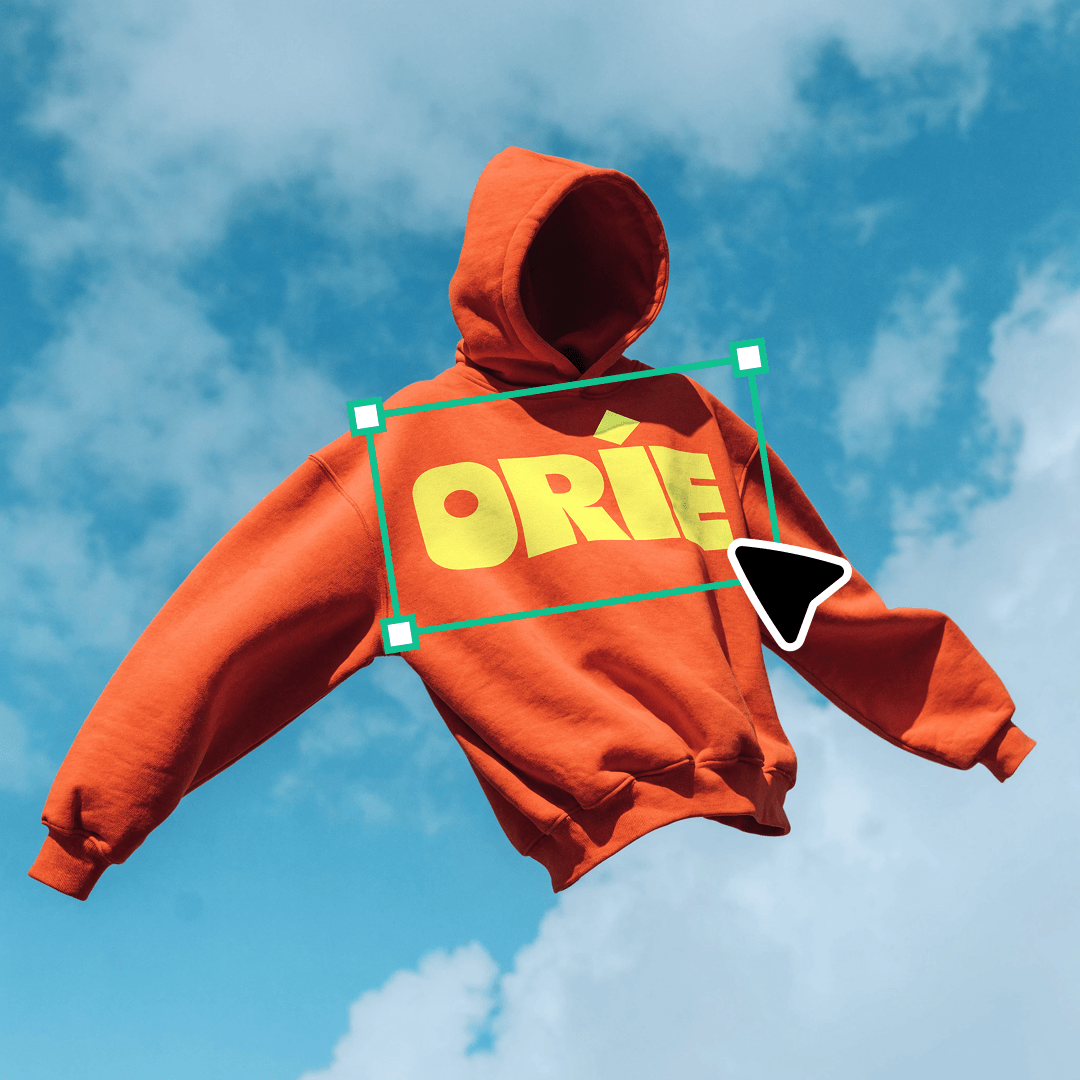
Recraft’s mockup generator takes care of wrapping your designs around the selected mockup template automatically, so there’s no need for manual adjustments. You can then easily resize and reposition your design to make sure it fits exactly how you envision it.

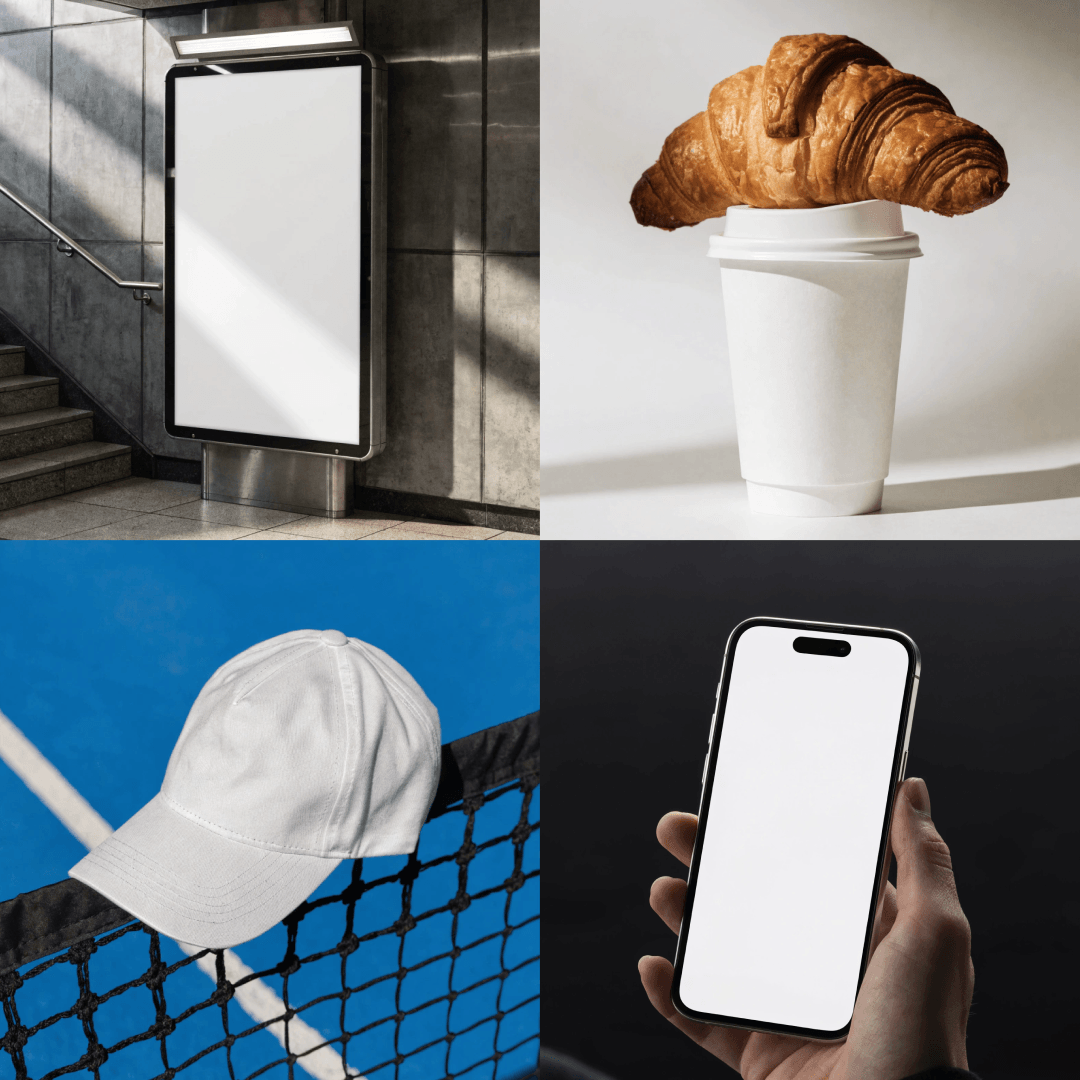
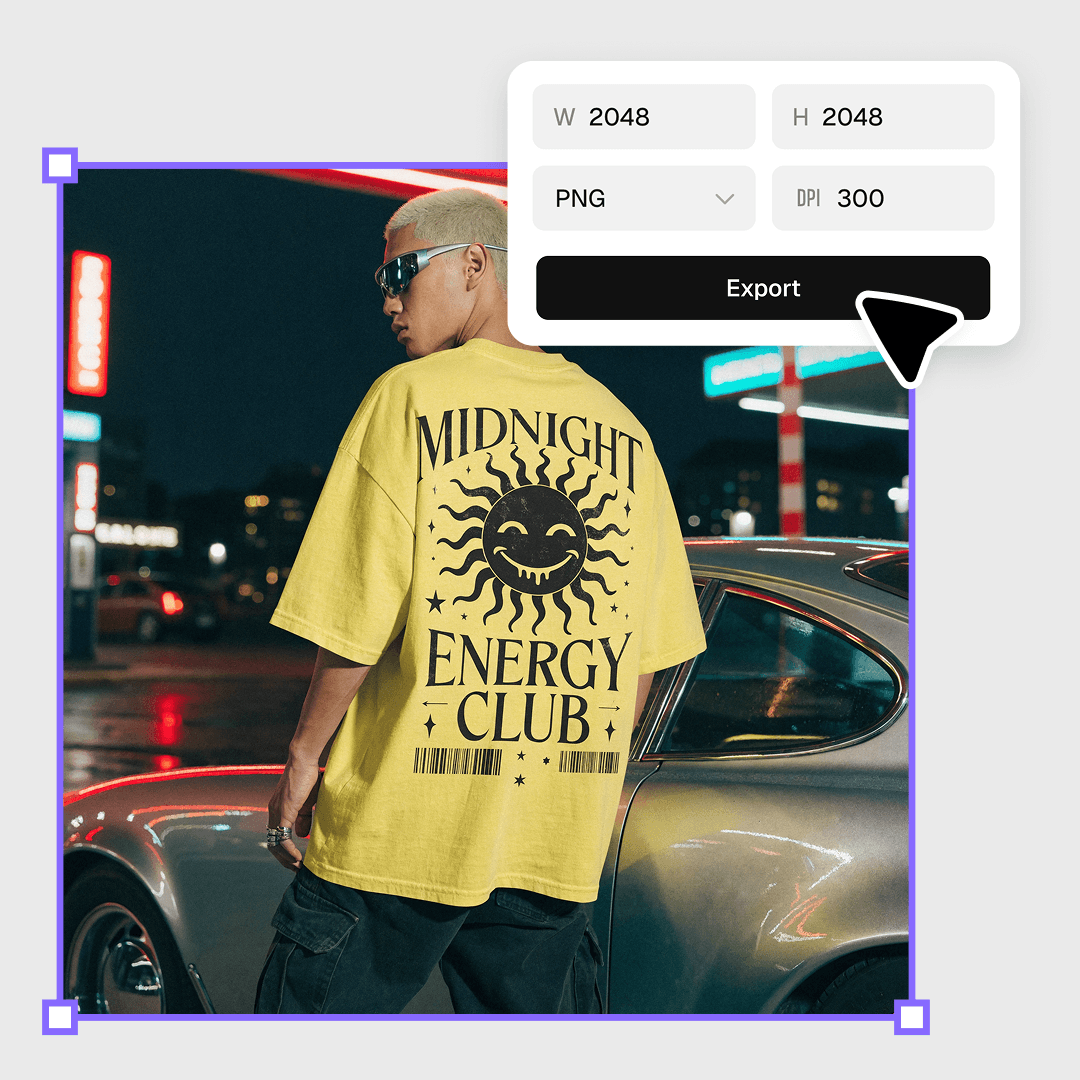
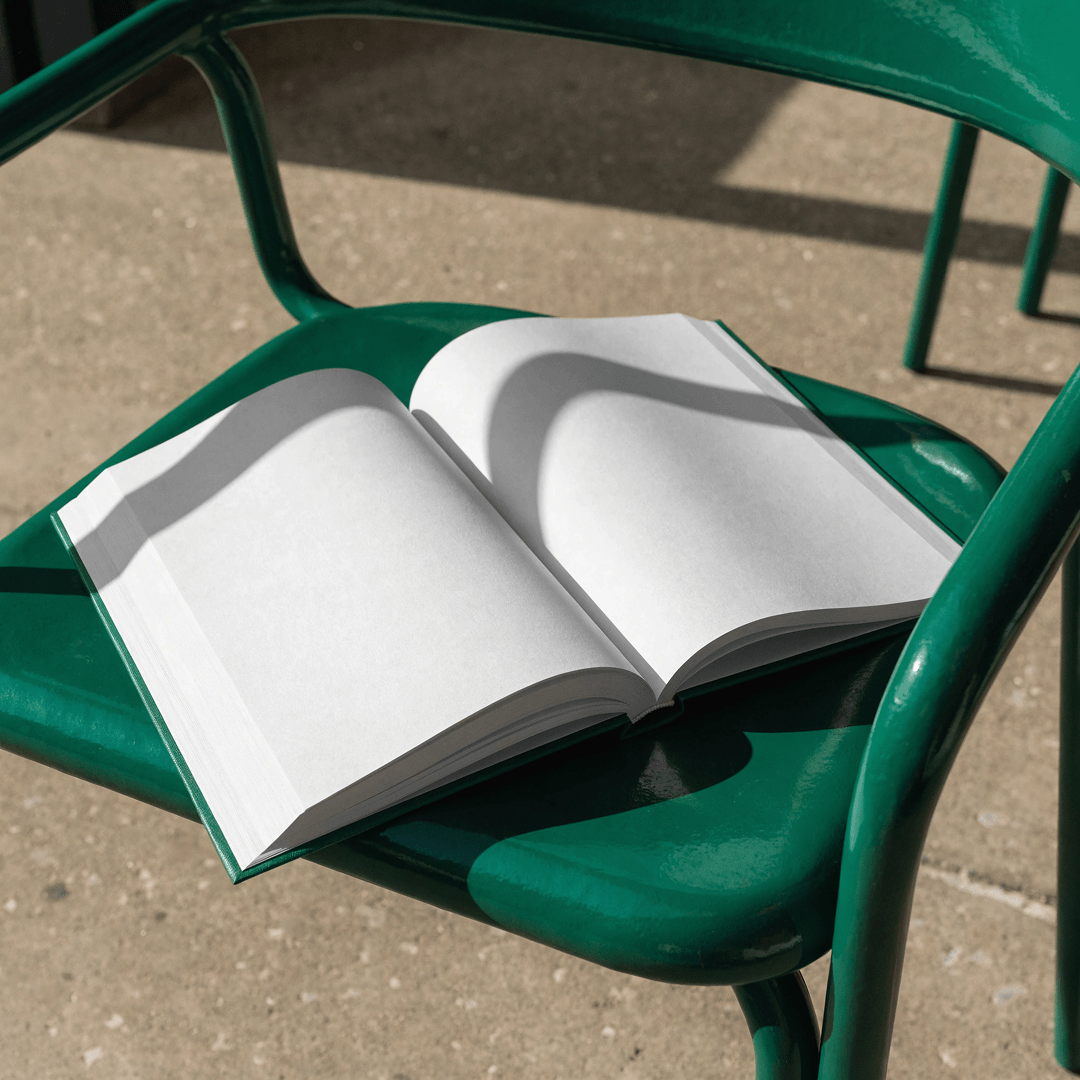
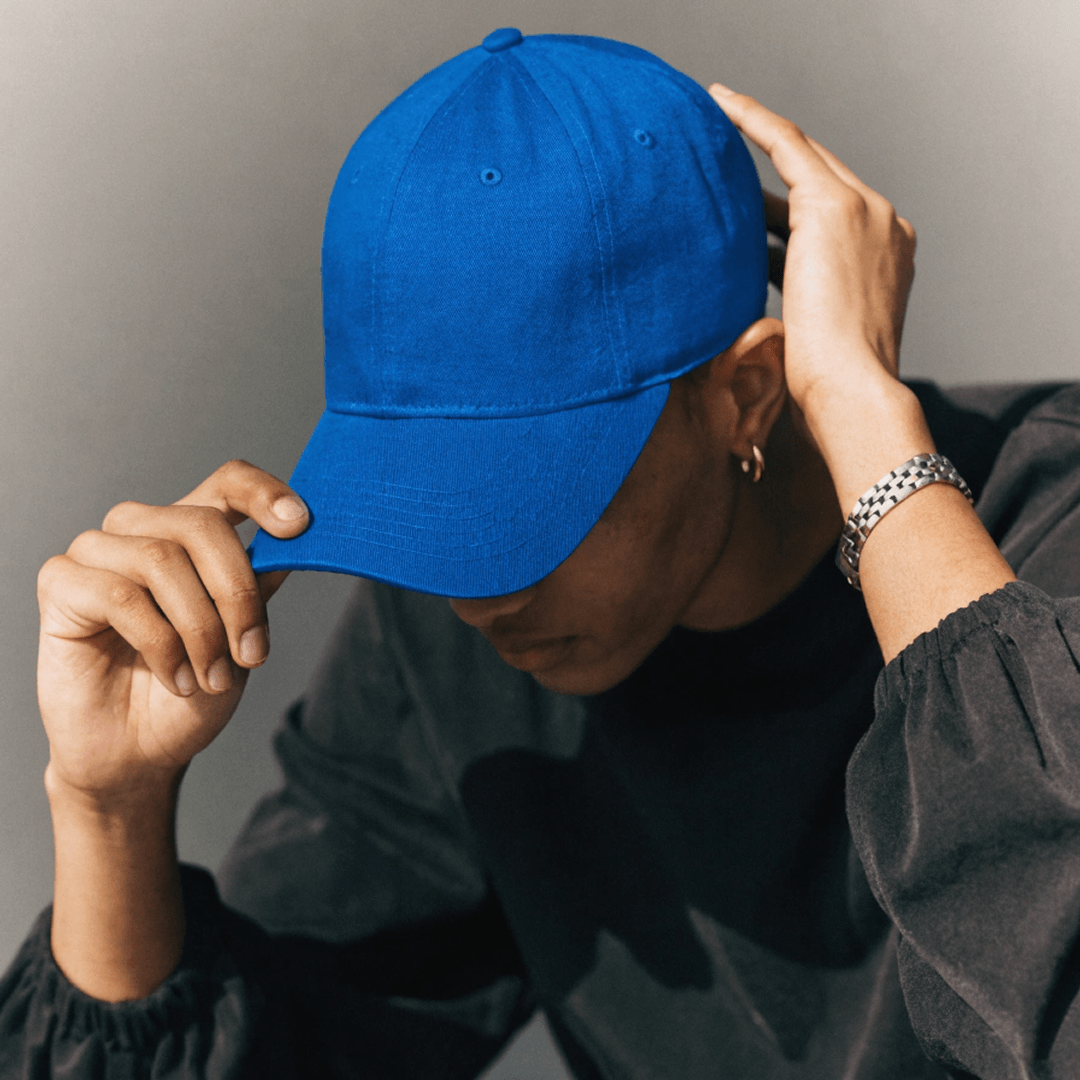
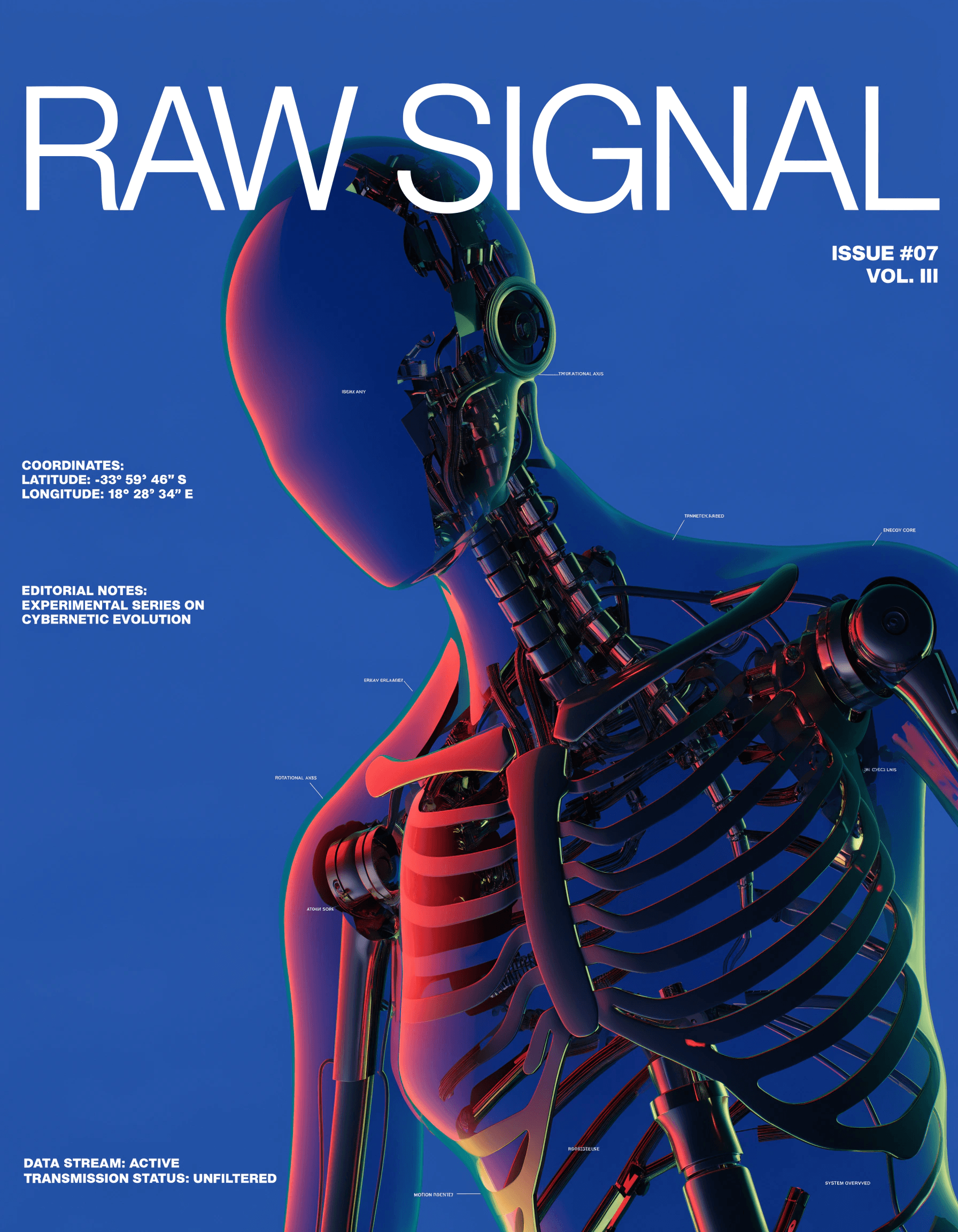
See how your designs render on t-shirts, iPhones, printables and more. Сreate unlimited mockups to display on any surface or platform.

Generate the design and try it on any surface

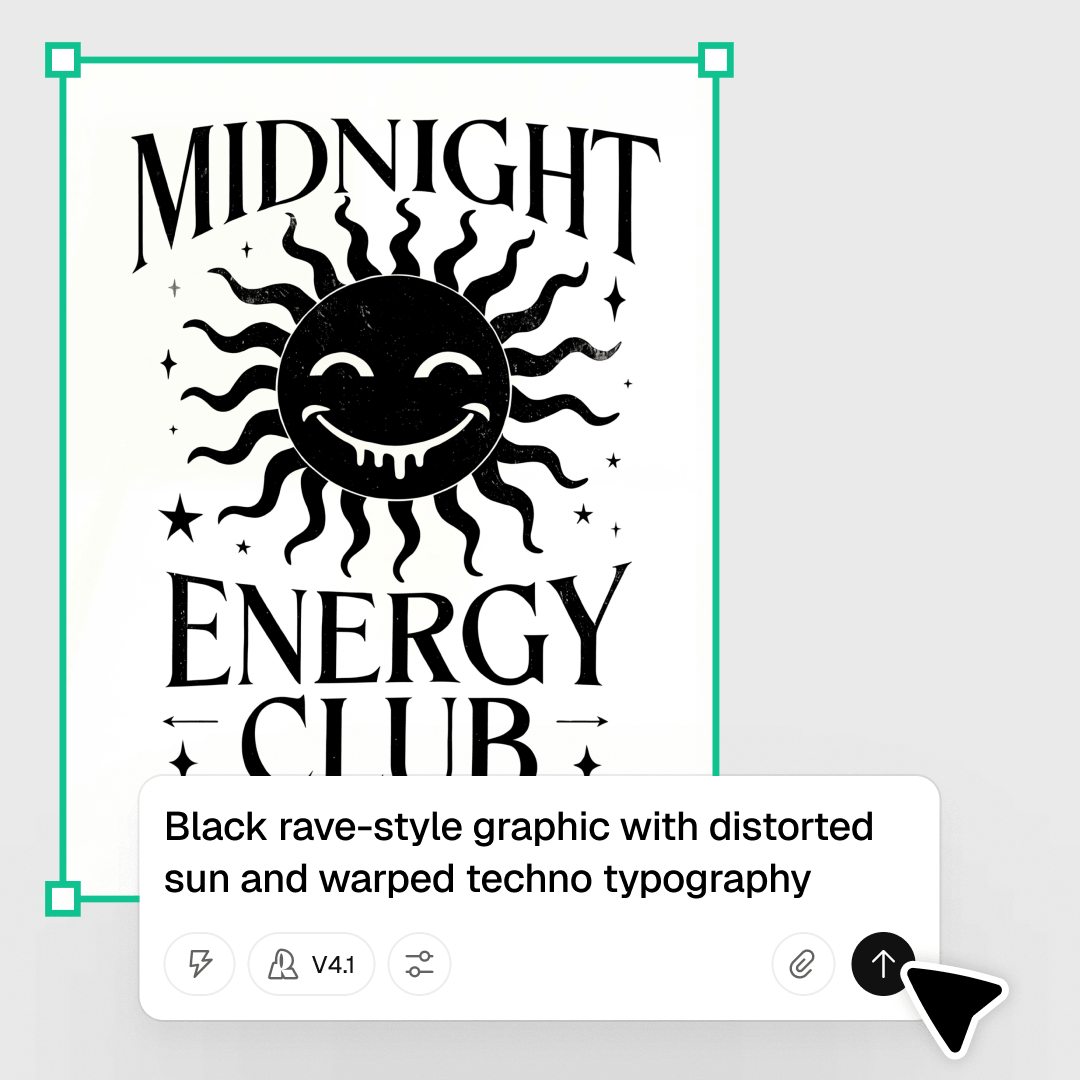
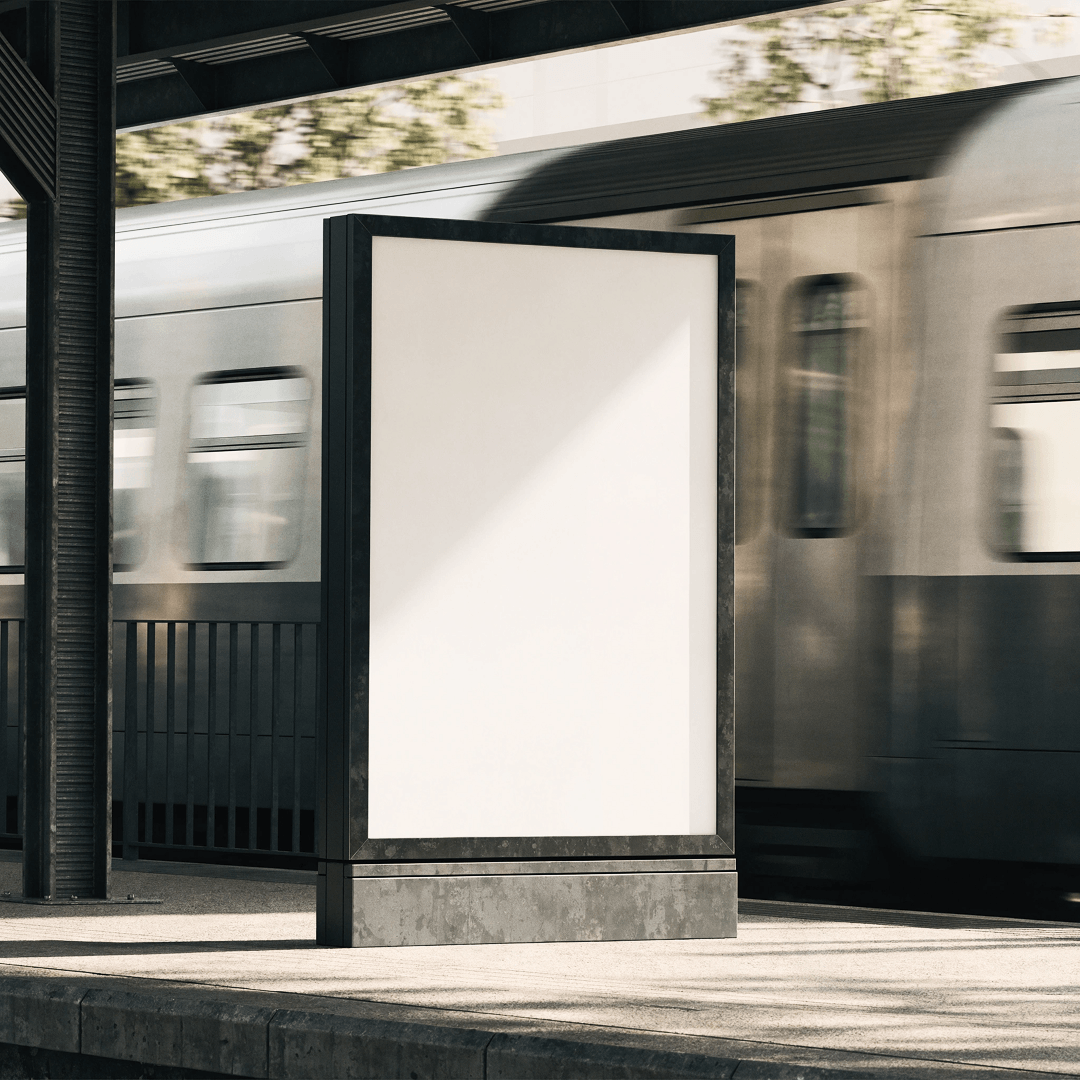
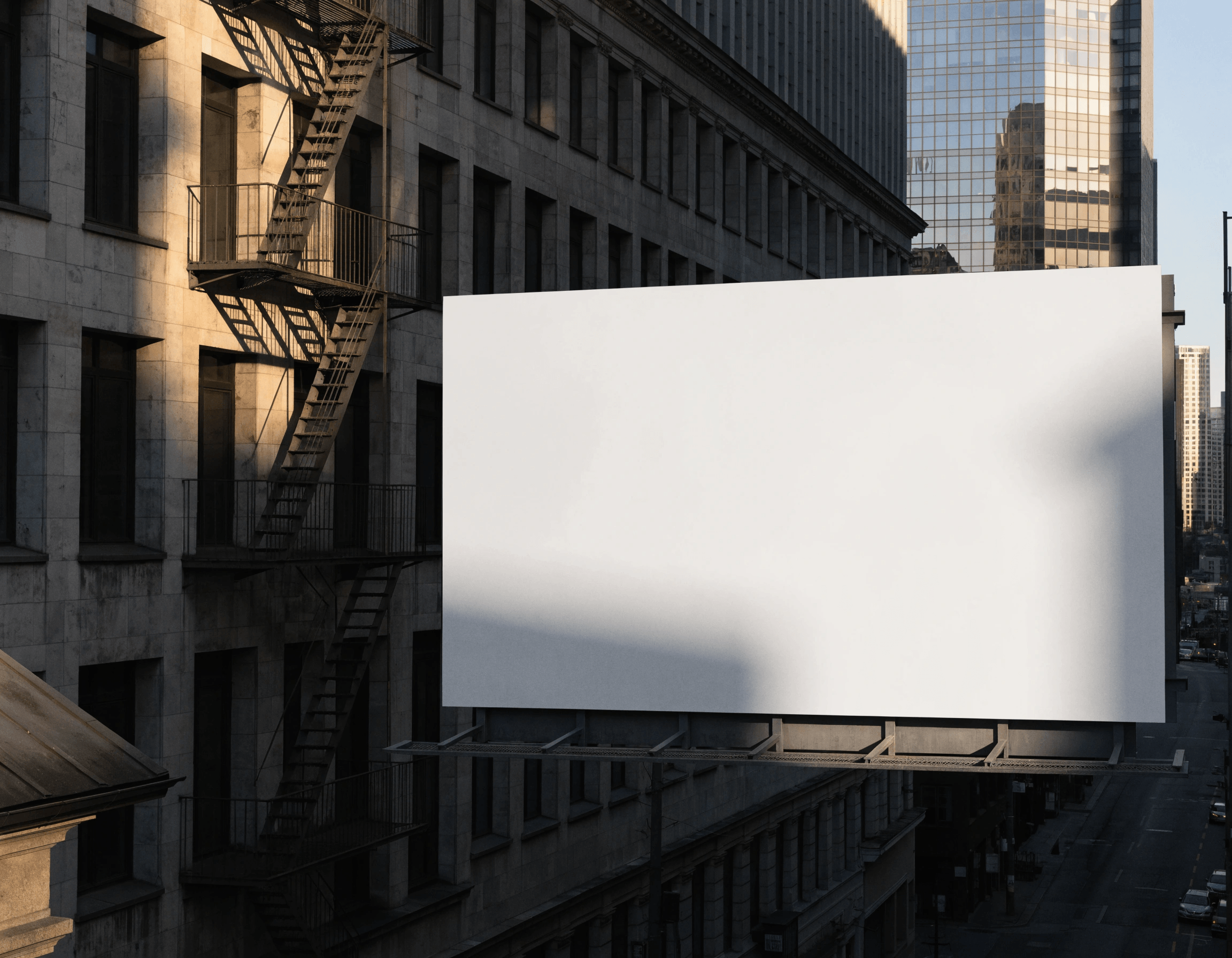
Create the artwork with the AI image generator — illustration, logo, pattern, badge, hero shot. Strip the backdrop with the background remover for a clean cutout, then drop it onto apparel, packaging, signage, posters, or devices. Recraft supports professional print-ready export, including 300 DPI and CMYK, so your designs are fully prepared for production.

How to create a mockup with Recraft

Showcasing your brand with professional mockups has never been easier. With Recraft's AI mockup generator, anyone can create stunning designs with a personalized logo and custom color palette - no design experience needed! Here's how in just four steps:

1

Select the mockup tool

Click Create New → Mockup and place the generated mockup frame anywhere convenient on the canvas.

2

Type a text description

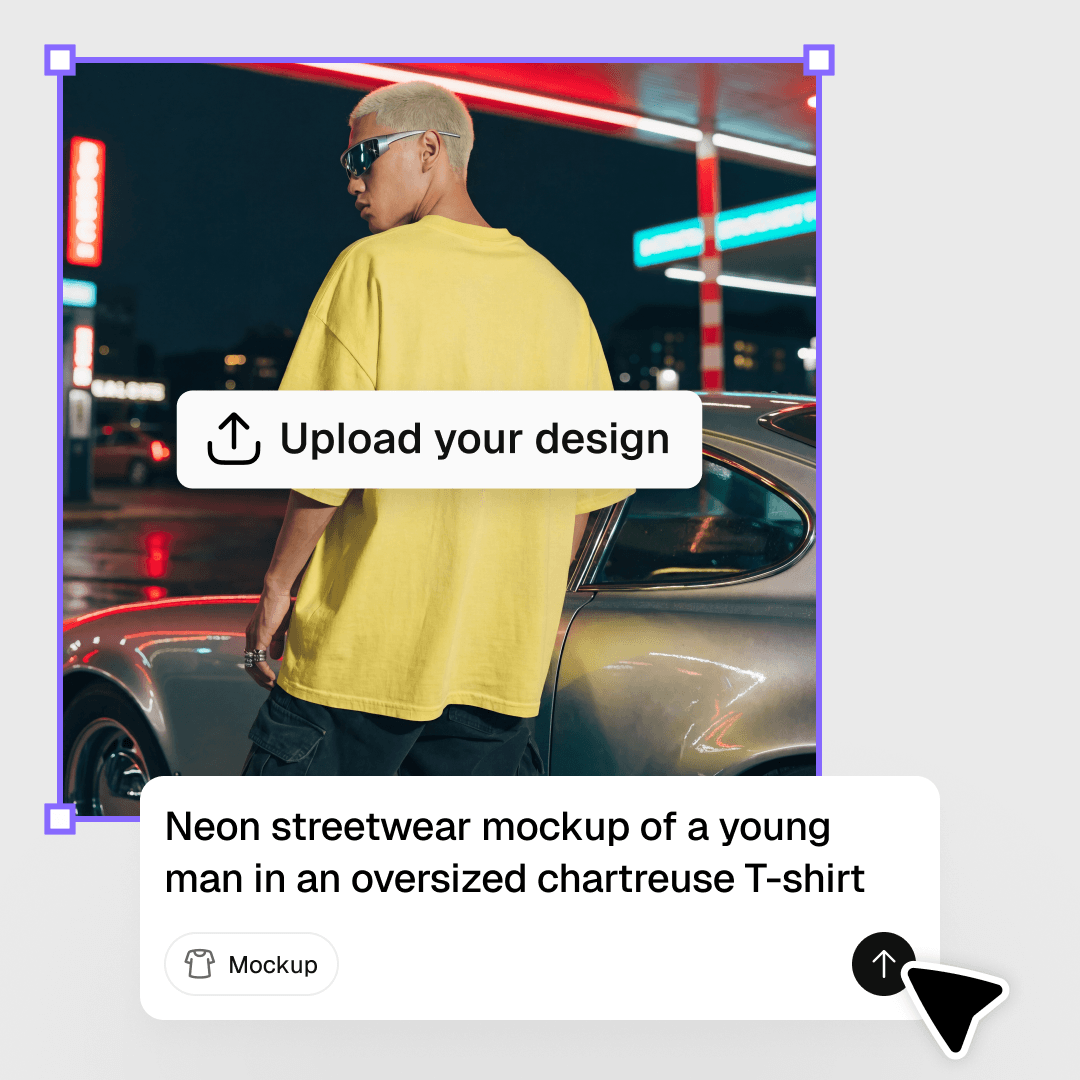
In the Mockup panel, enter a text prompt and click Generate to create your mockup.

3

Upload the design

Generate or upload the design you want to place on the mockup.

4

Try the design on the mockup

Drag your design onto the mockup. Move it around to try different placements. Export the result in any format.

AI mockup generator FAQ

What is a mockup?

A mockup is a realistic rendering of a product that lets you showcase what your art or designs will look like out in the world. Common uses are apparel design mockups (t-shirts, hoodies), product design mockups (mugs, tote bags), branding kit mockups (business cards, letterhead) and digital display mockups (iPhones, desktops).
How does Recraft's AI mockup generator work?

Use an Al text prompt to generate your mockup base (where you want your design to go). Insert an image frame and let Recraft AI image generator create a stunning design for your mockup You can also import an image or grab one from the Recraft community gallery. Drag the image to the middle of the mockup base and Recraft will stretch it to fit. Export as a hi-res PNG and use it to display your designs everywhere.

What kinds of mockups can I make?

You can create any type of mockup with Recraft mockup generator. This includes product designs, t-shirts, hoodies, business cards, mugs, tote bags, device displays and more.

What is Recraft?

Recraft is AI tool for professional designers, illustrators, and marketers. It lets cretors easily generate and endlessly iterate original images, vector art, illustrations, icons, and 3D graphics using the power of an AI. Users can start from scratch using a text prompt, upload an image and modify everything about it and even upload a brand style to generate on-brand images, AI photos, icon sets and other visuals. Recraft’s new model is the first to offer image generation with text of any size and length. And with unique graphic design generator is now possible to set the exact positions of text and different elements in the image instead of interpreting the explanation in the prompt to get the needed result.

How long does it take to generate a mockup with Recraft?

Less than a minute. As long as you have a style and prompt in mind, you can generate, edit and export mockups in record time.